Azure Foundry’s Content Safety Layer: How AI Guardrails Are Implemented in Production
Azure Foundry’s safety layer uses multi-point guardrails - input, output, and prompt protection - to control risk and secure AI...

Most organizations don’t notice operational inefficiency because it’s familiar.
Teams review documents manually. They classify files by hand. They copy information from one system to another. They route emails, forms, and approvals the same way they always have.
Over time, this work stops feeling inefficient. It just becomes “how things are done.”
That’s exactly the work Azure AI is well suited to automate.
Across departments, the same patterns show up:
None of this work is strategic. None of it differentiates the business.
But it consumes hours every week across operations, finance, HR, legal, and support teams.
Because it’s repetitive and distributed, it rarely shows up as a single problem worth solving.
Most of these tasks were never designed. They evolved.
A document arrived by email. Someone reviewed it once. Then twice. Then it became a process.
Eventually, teams stop questioning the workflow. They just hire more people or stretch existing ones.
This is where AI succeeds, not by replacing people, but by removing work no one enjoys or benefits from.
Azure AI is especially effective when work is:
Common examples include:
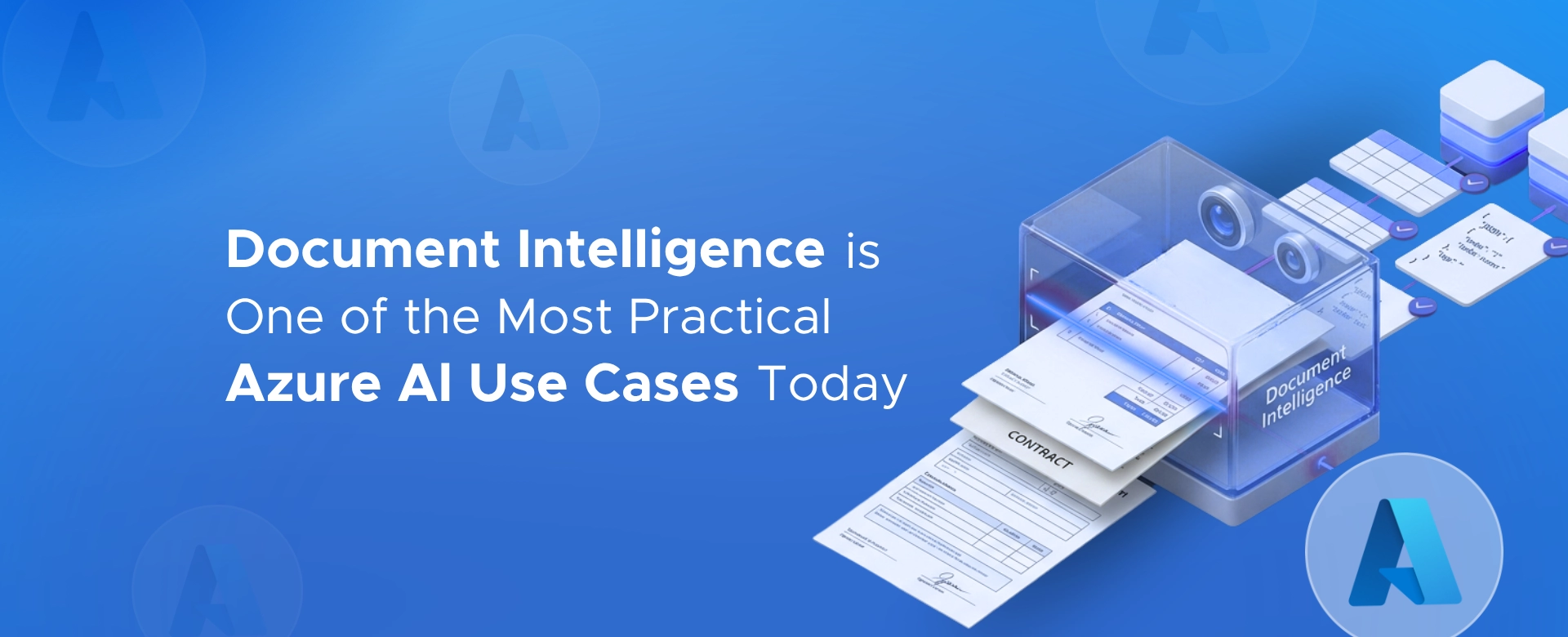
Document classification and tagging Incoming documents can be automatically identified, categorized, and tagged without manual intervention.
Information extraction Key data points can be pulled from documents and forms instead of being retyped into downstream systems.
Content validation AI can flag missing fields, invalid values, or inconsistent information before humans ever see it.
Routing and workflow initiation Documents can be sent to the right team or system based on content, not inbox monitoring.
These tasks don’t require creativity. They require consistency.

Many AI initiatives fail because they:
Operational automation is different.
The goals are obvious:
Success is measured in hours saved, not predictions made.
That clarity is why these use cases move from pilot to production more reliably.
The biggest gain is not speed.
It’s capacity.
When repetitive work is automated:
AI becomes a force multiplier instead of another tool to maintain.
Automation is often framed as a major transformation.
In reality, the most successful deployments are incremental:
Each small change removes friction.
Over time, the organization realizes how much manual work it silently accepted for years.
If your teams are spending time:
That work is a strong candidate for Azure AI today.
Not tomorrow. Not after some massive transformation.
Today.
If you’re a CXO or operations leader and you’re wondering:
it’s worth a conversation.
I help organizations:
Feel free to contact us.
Some of the biggest efficiency gains come from fixing work everyone assumed was unavoidable.
Azure Foundry’s safety layer uses multi-point guardrails - input, output, and prompt protection - to control risk and secure AI...
How companies use Azure OpenAI to automate tasks, boost productivity, enhance customer support, and drive innovation - securely and at...
Bigger AI models aren’t always better for enterprises. Discover how right-sized Azure AI models drive efficiency, governance, and real business...