Penthara-Logo-Dark
For Organizations

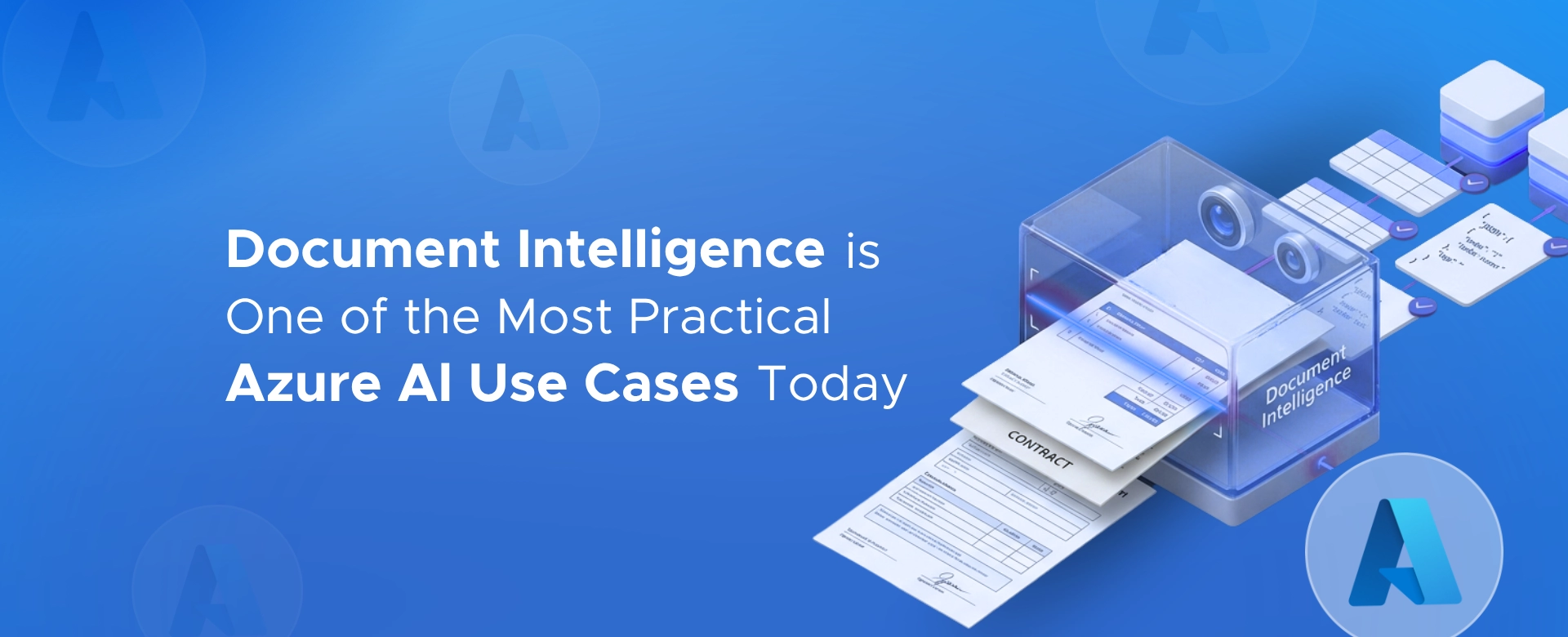
Document Intelligence Is One of the Most Practical Azure AI Use Cases Today

Azure AI Document Intelligence turns everyday business documents into structured, usable data - delivering fast, measurable ROI beyond OCR and AI hype.

Most organizations don’t struggle with AI adoption. They struggle with documents.

Invoices. Forms. Claims. Contracts. Compliance records.

These documents still drive core business processes, and in many enterprises, they are handled manually at scale.

This is where Azure AI Document Intelligence moves from “interesting AI” to immediate operational value.

Why documents remain a hidden operational bottleneck

Across industries, documents are still the primary input for:

  • accounts payable
  • insurance claims
  • customer onboarding
  • contract management
  • regulatory and audit processes

Despite ERP and workflow automation, documents often force humans back into the loop for:

  • reading
  • validating
  • retyping
  • cross‑checking

This is not a future problem. It exists today, quietly consuming time, budget, and attention.

What Azure AI Document Intelligence actually does

Azure AI Document Intelligence is not generic OCR.

It is document understanding.

Instead of just reading text, it:

  • understands document structure
  • identifies fields, tables, and key‑value pairs
  • extracts structured data ready for downstream systems

Microsoft provides prebuilt models for common business documents such as invoices, receipts, contracts, identity documents, and more, alongside custom models for organization‑specific formats.

Documents can be PDFs, scans, photos, or Office files, and the output is structured data that can feed ERP, CRM, or workflow systems directly.

Why this use case works when many AI pilots fail

Most AI initiatives fail because they:

  • start too abstract
  • require too much behavioral change
  • lack clear ROI

Document Intelligence succeeds for three reasons.

1. The input already exists

Organizations are already receiving documents in volume. No process redesign is needed to “create” data.

2. The output plugs into real workflows

Extracted data feeds accounts payable, claims systems, onboarding flows, or compliance reviews, not dashboards no one uses.

3. The ROI is measurable

Processing time drops significantly. Errors reduce. Human effort shifts from data entry to exception handling.

That makes it finance‑approved AI, not innovation theater.

High‑value use cases where organizations see results quickly

Azure AI Document Intelligence is particularly effective in scenarios like:

Invoice and purchase order processing Extract vendor details, line items, totals, tax, and dates across diverse invoice layouts and reduce manual AP effort.

Claims and form‑based workflows Extract structured fields from standardized forms and supporting documents to speed up intake and reduce rework.

Contract and legal document extraction Pull key metadata like parties, dates, jurisdictions, and identifiers to reduce manual review time and improve consistency.

Compliance and regulatory documentation Create more consistent, structured, and auditable handling of documents, reducing the risk that comes from manual processing.

These are not experimental use cases. They are operational pain points.

What leaders often underestimate

Document Intelligence does not replace people.

It removes the worst part of their work.

Most real deployments follow a human‑in‑the‑loop model:

  • AI extracts and validates
  • humans review exceptions
  • systems record outcomes

This balance is what makes it deployable in regulated environments and scalable across regions and document types.

The executive reality

If your organization processes high volumes of documents today, you are already paying the cost:

  • in labor
  • in delays
  • in errors
  • in compliance exposure

Azure AI Document Intelligence is one of the few AI capabilities where:

  • the problem is well defined
  • the technology is mature
  • the ROI is provable
  • the integration fits existing Microsoft ecosystems

That’s why it keeps showing up in real production workloads rather than pilots.

Let’s connect

If you’re a CXO or operations leader dealing with:

  • invoice backlogs
  • form‑heavy workflows
  • claims processing delays
  • compliance documentation overload

it’s worth a conversation.

I help organizations:

  • identify where Document Intelligence makes sense
  • integrate it into real workflows
  • and avoid overengineering simple wins

Feel free to contact us.

Not all AI use cases are futuristic. Some of the most valuable ones fix problems we’ve been tolerating for years.

Written & Reviewed by

Jasjit Chopra

Chief Executive Officer
Comment Now

Leave a Reply

Your email address will not be published. Required fields are marked *

More from this Category
Header
Azure AI

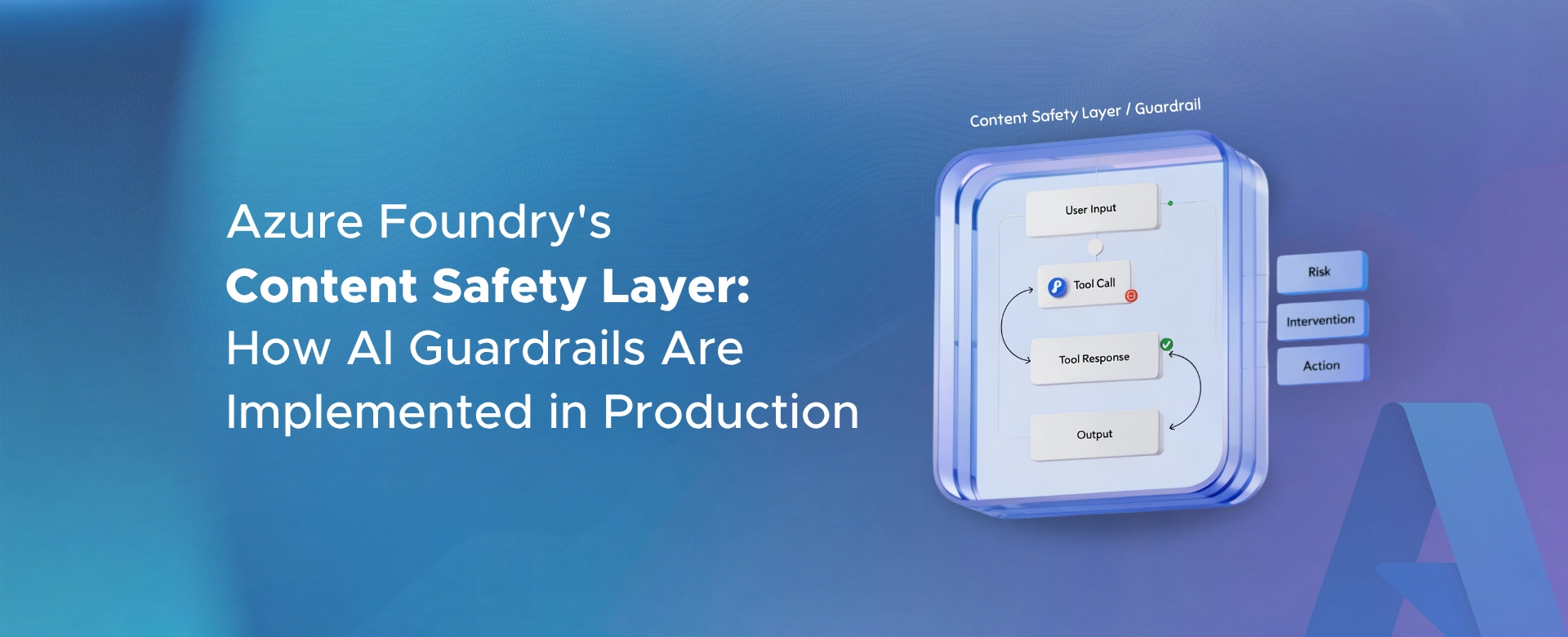
Azure Foundry’s Content Safety Layer: How AI Guardrails Are Implemented in Production

Azure Foundry’s safety layer uses multi-point guardrails - input, output, and prompt protection - to control risk and secure AI...

Azure AI

Most Azure AI Projects Are Built Like Pilots, Not Production Systems

Most Azure AI projects stop at pilot success. This article explains why production fails - and what it truly takes...

Azure AI

Regulated Industries Can’t Treat AI Like a Side Experiment

In regulated industries, AI can’t be a side experiment. Governance, accountability, and control must be built in from day one...

crossmenuchevron-down