
The Difference Between Foundry’s Hosted Agents and Self Managed Agents on Azure
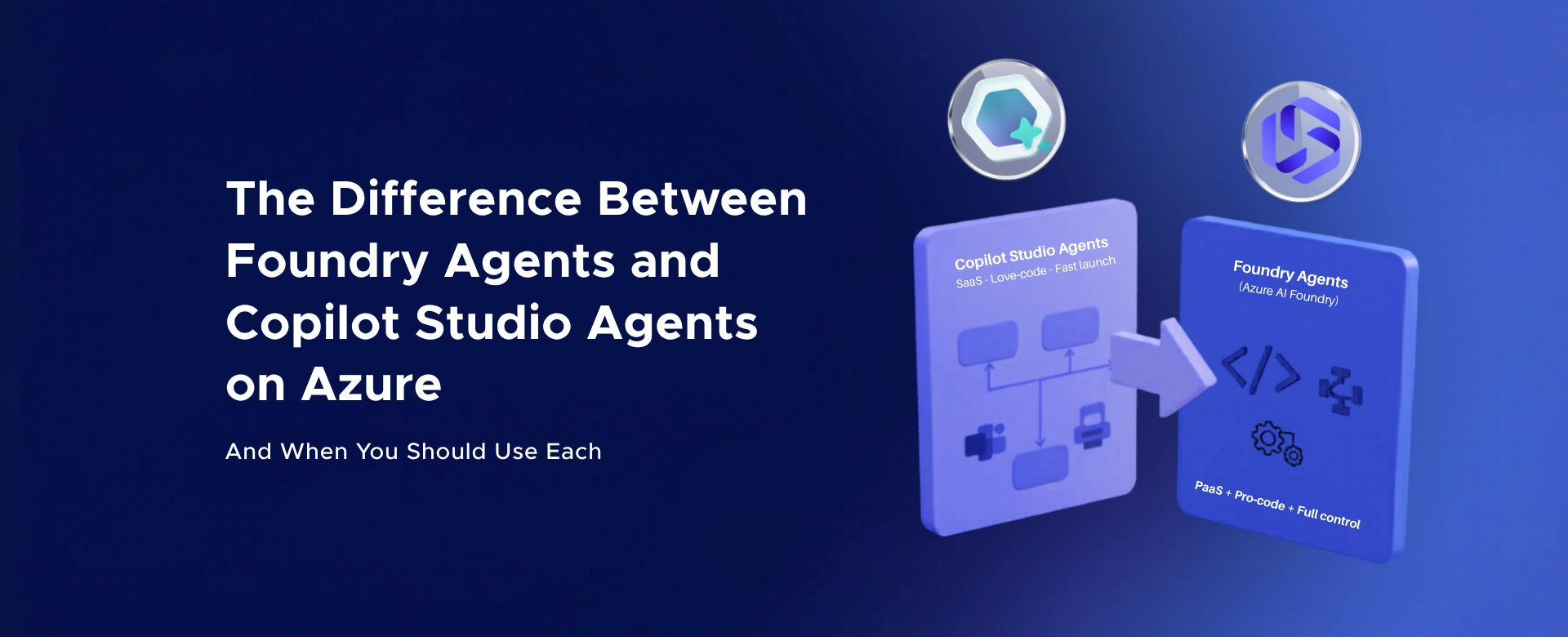
A clear breakdown of Foundry hosted vs self-managed agents on Azure - understand control, scalability, and when each model fits...

Most teams are optimizing the wrong thing.
They tweak prompts. Switch models. Reduce tokens.
Meanwhile, they’re paying for the same input… over and over again.
What actually saves serious money in Foundry?
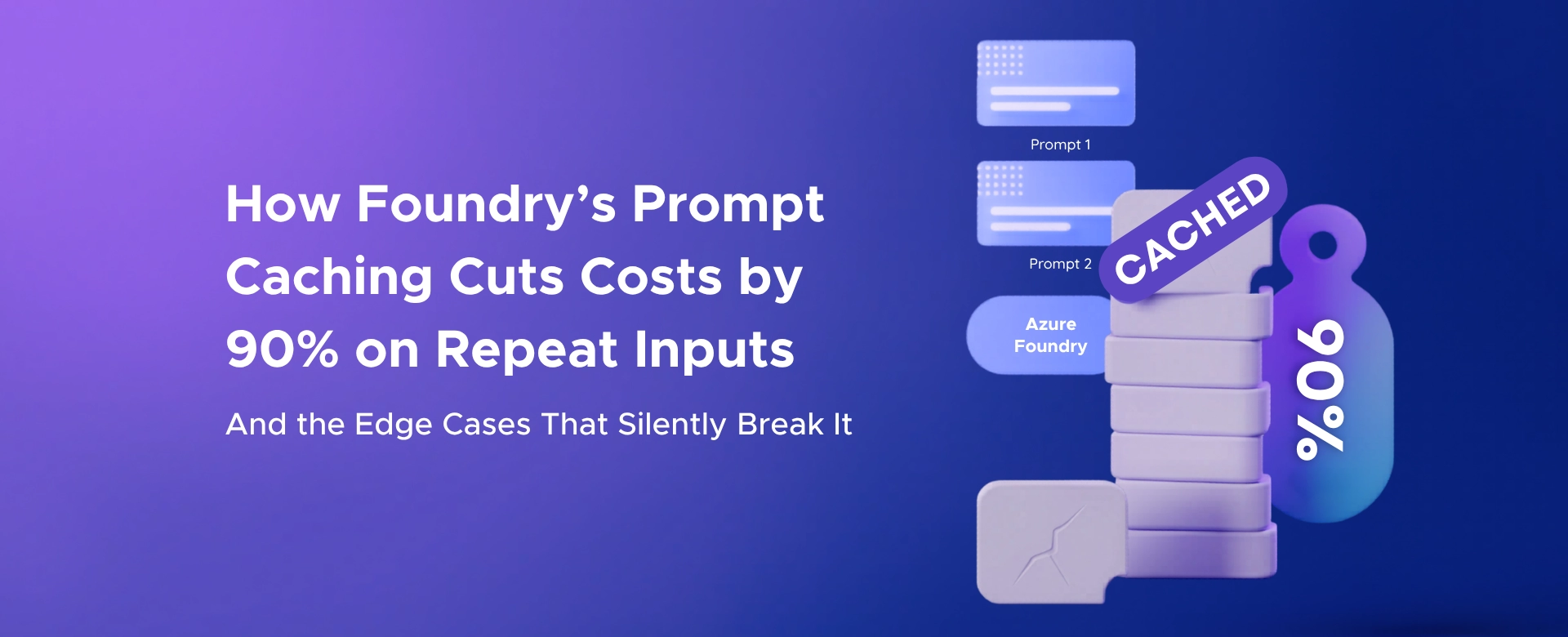
Prompt caching.
And if used correctly, it can cut input costs by up to 90%.
But most teams never fully benefit from it.
Because they accidentally break it.
Every LLM request has two phases:
Prefill is the expensive part.
The model has to process every token in your prompt.
Even if it’s identical to the last request.
Prompt caching removes that waste.
When you send a long prompt:
System instructions Tool definitions Examples Documents
The system computes internal representations for those tokens.
Instead of recomputing them every time, it:
Stores that computation Reuses it on the next request
Only the new part of the prompt is processed.
Everything else is skipped.
That’s where the cost savings come from.
Most production AI apps have repeated input:
The same system prompt The same RAG context The same tools The same instructions
Only a small part changes: User input
Without caching:
You pay for processing everything every time
With caching:
You pay only for the delta
Here’s what actually happens:
If 80–90% of your prompt is reused You don’t pay full price for it again
That’s why teams see:
Massive reduction in input token costs Faster time to first token Better scalability under load
This is one of the highest ROI optimizations in Foundry.
Prompt caching is extremely strict.
It does not care about similarity.
It only works on exact prefix matches.
Not “almost same.” Not “semantically similar.” Not “same meaning.”
Exact match.
One token difference at the start… and the cache is gone.
For caching to work:
The beginning of your prompt must be identical across requests.
Not just logically identical. Token-identical.
Same structure Same order Same formatting
Otherwise:
Full cache miss Full cost Full latency
This is where things silently fail.
If you inject user-specific data early:
User name Timestamp Session metadata
The prefix changes every time.
Cache is broken.
Many teams do this:
Retrieve documents Inject them before instructions
Now every request has a different prefix.
No cache.
If your system builds prompts dynamically:
Different ordering of tools Different formatting Minor whitespace changes
That’s enough to break caching.
This is the worst one.
Extra spaces Line breaks JSON formatting differences Tool schema ordering
All of these can invalidate the cache.
You won’t even notice.
But your costs will.
Prompt caching only works above a certain size threshold.
Small prompts never benefit from it.
So teams optimizing heavily for short prompts sometimes eliminate caching benefits entirely.
Caches expire.
If you don’t repeat the same prompt often enough:
No reuse No savings
Consistency matters more than people realize.
Prompt design is no longer just about:
Accuracy Tone Output quality
It’s about cacheability.
If you want caching to work:
Put static content at the beginning:
System instructions Tools Examples Schemas
Put dynamic content at the end:
User input RAG results Session-specific data
Think of it like this:
Stable prefix → Variable suffix
That’s the entire game.
Agents amplify this effect.
Because they:
Reuse the same tools repeatedly Send large context blocks Run multi-step workflows
Which means:
Prompt size increases Cost increases Caching impact increases
Agents without caching become expensive very fast.
Most teams think they are using prompt caching.
They’re not. Because:
Their prefixes change Their prompts are dynamic Their structure is inconsistent
And they don’t measure cache hit rates.
So they assume it’s working.
While paying full price.
Prompt caching is not an optimization.
It’s a design requirement.
If your architecture is not cache-aware:
Your cost will scale linearly Even when your inputs don’t change
If your architecture is cache-aware:
Your cost scales with change Not repetition
That’s the difference between:
A demo system and A production system that survives at scale
If you’re building on Foundry and want to:
Reduce token costs without degrading output Design cache-friendly prompt architectures Identify why caching isn’t working in your system
We can share a practical checklist used in production systems.
Feel free to contact us.
A clear breakdown of Foundry hosted vs self-managed agents on Azure - understand control, scalability, and when each model fits...

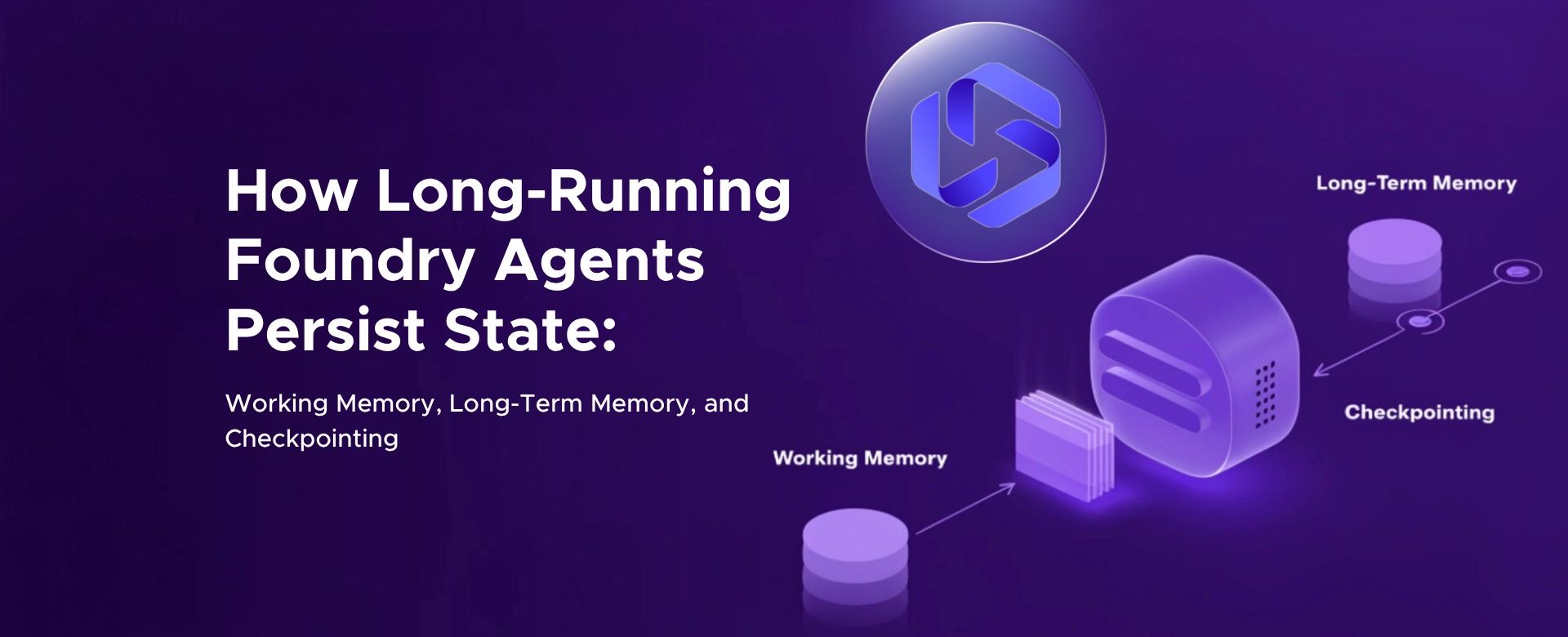
Discover how Azure Foundry enables long-running AI agents with working memory, long-term memory, and checkpointing for resilient, stateful workflows.
Unified governance for AI agents - Azure Foundry Control Plane gives CIOs full visibility, compliance, and control to expose risks...