
Penthara-Logo-Dark
For Organizations

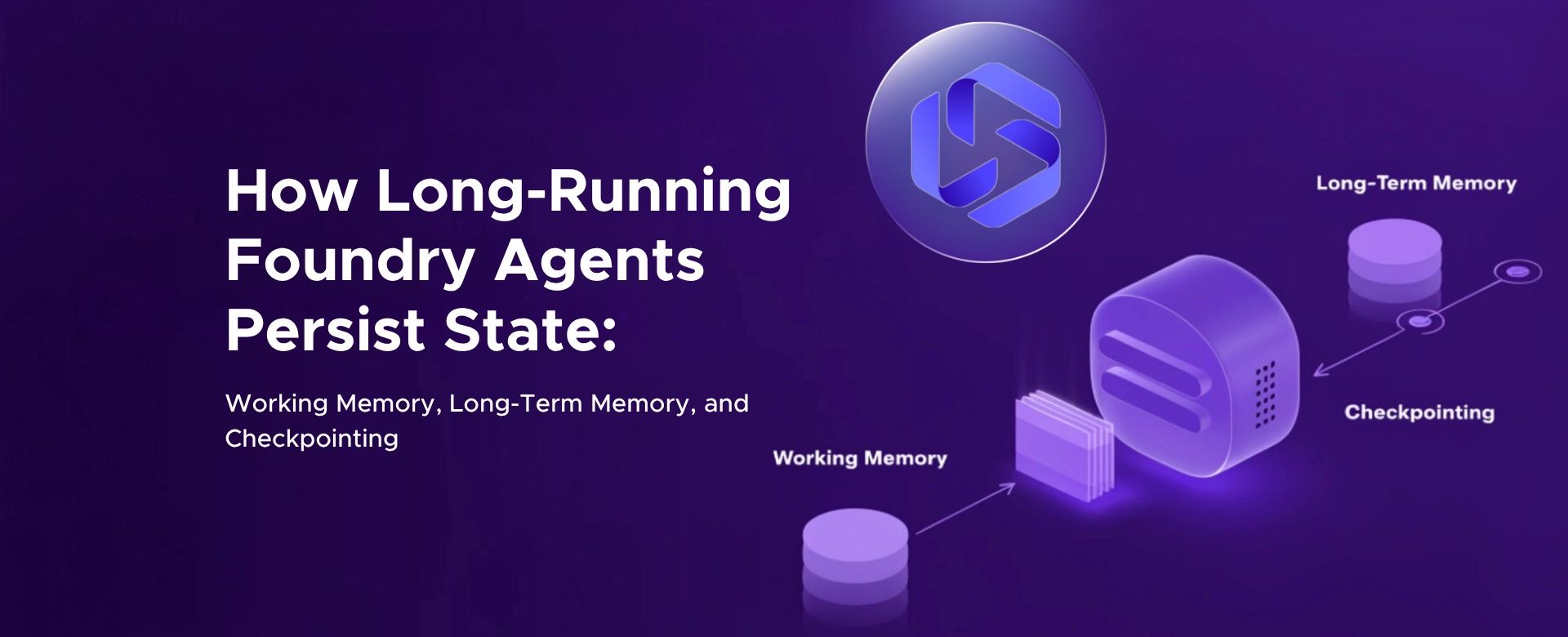
How Long Running Foundry Agents Persist State: Working Memory, Long Term Memory, and Checkpointing

Discover how Azure Foundry enables long-running AI agents with working memory, long-term memory, and checkpointing for resilient, stateful workflows.

Most AI agents fail for one simple reason.

They forget.

They forget context. They forget users. They forget what they were doing.

And that’s fine for demos.

It breaks completely for long‑running, production agents.

Azure Foundry solves this by turning agents from stateless chatbots into stateful systems.

But to understand how it works, you need to understand three things:

Working memory Long‑term memory Checkpointing

Let’s start with the core problem

By default, LLMs are stateless.

Every request is independent. No memory. No continuity.

If you want an agent to:

Continue tasks over time Maintain context Remember users Recover from failures

You need a state layer.

That’s exactly what Foundry introduces.

Working Memory (what’s happening right now)

Working memory is the active context of the current session.

Think of it as:

Conversation history Intermediate tool outputs Temporary reasoning context Files uploaded during the session

It exists while the task is active.

How Foundry implements working memory

Foundry uses sessions.

A session is a stateful sandbox tied to a specific interaction.

Inside that session, the platform persists:

Files Temporary state Runtime context

Even across idle periods.

That’s how the agent can pause and resume without losing its working state.

Why this matters

Without working memory:

Agents repeat questions Lose context mid-task Break multi-step workflows

With working memory:

Agents can pause, resume, and continue tasks naturally.

Long‑Term Memory (what survives across sessions)

Working memory solves “what’s happening now.”

Long-term memory solves:

What should the agent remember beyond the current session?

Foundry introduces managed memory stores for this.

What gets stored in long‑term memory

Not everything.

Only meaningful, durable information like:

User preferences Key facts from conversations Summaries of interactions Important workflow outcomes

This turns repeated user interactions into reusable context.

How long‑term memory works at a high level

The long-term memory lifecycle looks like this:

Extraction The system identifies important information worth keeping.

Consolidation It merges duplicates and resolves conflicts.

Retrieval It brings the most relevant memories into future interactions.

That’s how the agent stops behaving like a goldfish.

What this enables

Agents become:

Context-aware across sessions Personalized without re-asking questions Capable of adapting over time

Instead of:

“Start from scratch every time”

They behave like:

“Continuous systems”

Working memory vs long‑term memory (simple model)

Working memory = Temporary context Long‑term memory = Persistent knowledge

Working memory = Per session Long‑term memory = Across sessions

Working memory = Fast and volatile Long‑term memory = Durable and structured

Both are required.

Not interchangeable.

Checkpointing (what happens when things break)

This is the most overlooked part.

And the most critical for production.

Because long-running agents don’t just think.

They:

Call APIs Trigger workflows Modify systems Wait for approvals Run for minutes or hours

Now imagine the process crashes halfway.

What happens?

Without checkpointing

Everything restarts.

Duplicate API calls Repeated workflows Lost progress Inconsistent state

This is where most AI systems fail.

Not because the model is wrong.

Because execution is fragile.

What checkpointing does

Checkpointing saves:

Execution state Completed steps Pending tasks Where to resume next

Think of it like a save point in a game.

The agent doesn’t restart.

It resumes.

Why checkpointing matters for Foundry agents

Long‑running agents are workflows.

Workflows need:

Reliability Recovery Control

Checkpointing helps prevent:

Double execution Lost progress Unsafe retries

It is what turns “agent demos” into “agent operations.”

How the three layers work together

Here’s the real architecture:

Working memory keeps the current task alive. Long‑term memory keeps knowledge alive. Checkpointing keeps execution alive.

Together, they turn:

A stateless conversation into A stateful system

What most teams get wrong

They think memory equals chat history.

That’s not enough.

Production agents need:

Session state Persistent knowledge Execution recovery

Skip any one of these and you get:

A good demo A bad production system

The executive reality

Foundry is not just making agents smarter.

It is making them:

Persistent Recoverable Context-aware

Which is the difference between:

A chatbot and A system that actually does work

Let's connect

If you’re building agents on Foundry and thinking about:

How to persist state across workflows How to design memory without exploding token costs How to recover long-running processes safely

We can share a practical architecture approach used in real deployments.

Feel free to contact us.

Written & Reviewed by

Jasjit Chopra

Chief Executive Officer
Comment Now

Leave a Reply

Your email address will not be published. Required fields are marked *

More from this Category
Azure Foundry

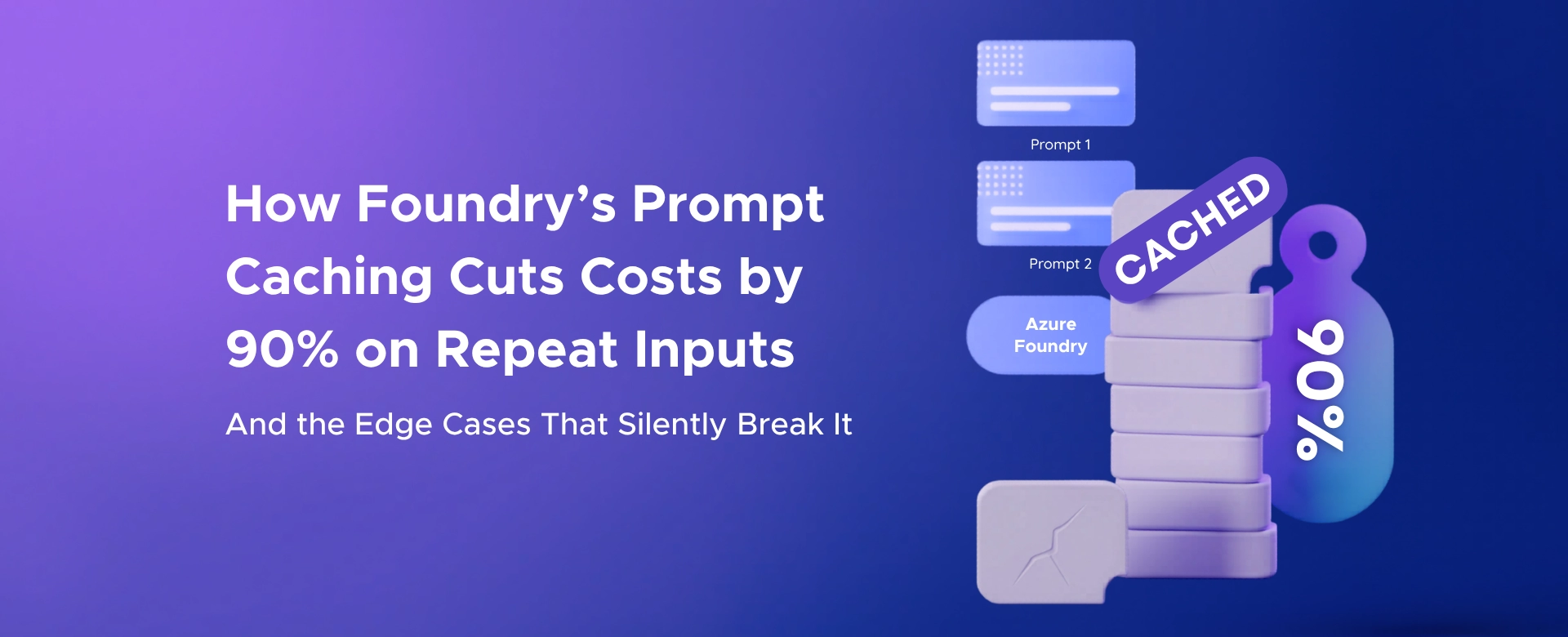
How Foundry's Prompt Caching Cuts Costs by 90% on Repeat Inputs - And the Edge Cases That Silently Break It

Prompt caching can cut Azure Foundry input costs by up to 90% by reusing repeated prompt prefixes - if your...

Azure Foundry

Azure Foundry Control Plane is not Governance. It's a CIO Lie Detector.

Unified governance for AI agents - Azure Foundry Control Plane gives CIOs full visibility, compliance, and control to expose risks...

Azure Foundry

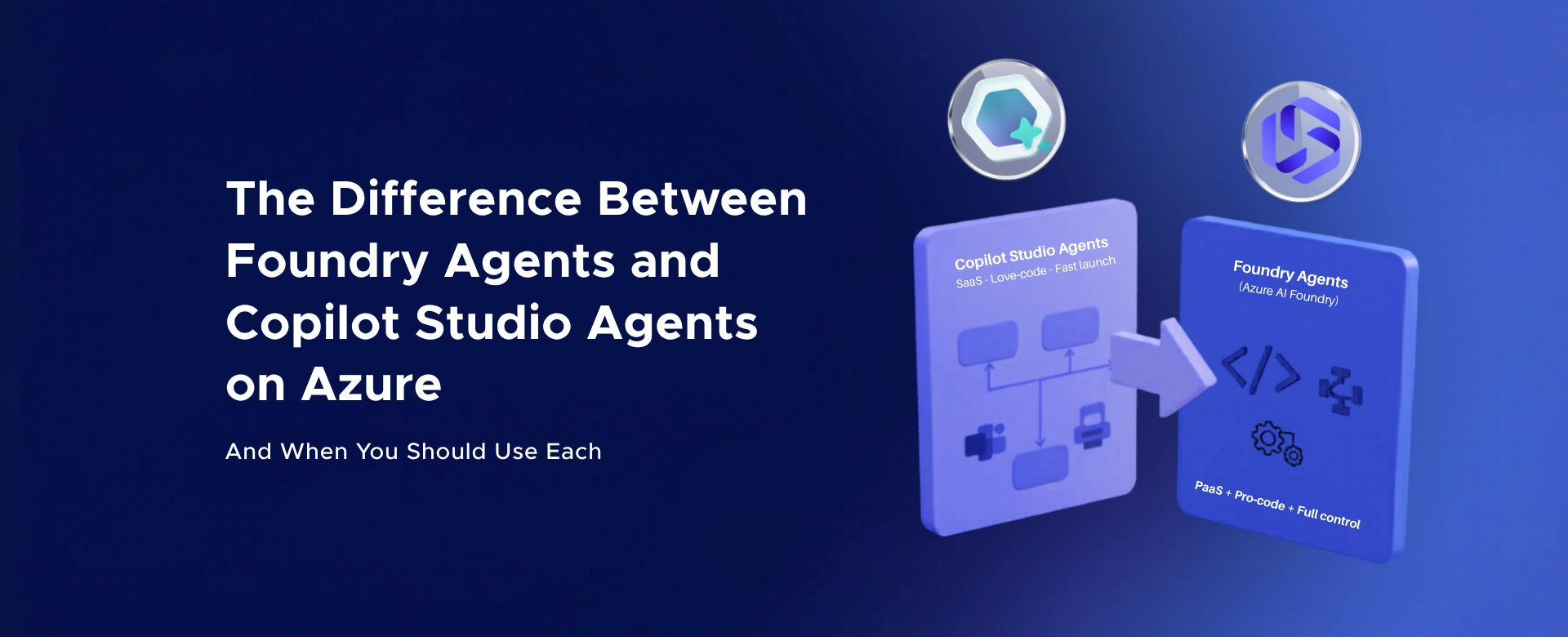
The Difference Between Foundry’s Hosted Agents and Self Managed Agents on Azure

A clear breakdown of Foundry hosted vs self-managed agents on Azure - understand control, scalability, and when each model fits...

crossmenuchevron-down