Securing Copilot Studio Agents: What Organizations Miss Until It’s Too Late
Learn how to secure Copilot Studio agents with best practices for authentication, DLP, runtime protection, compliance, and governance to prevent...

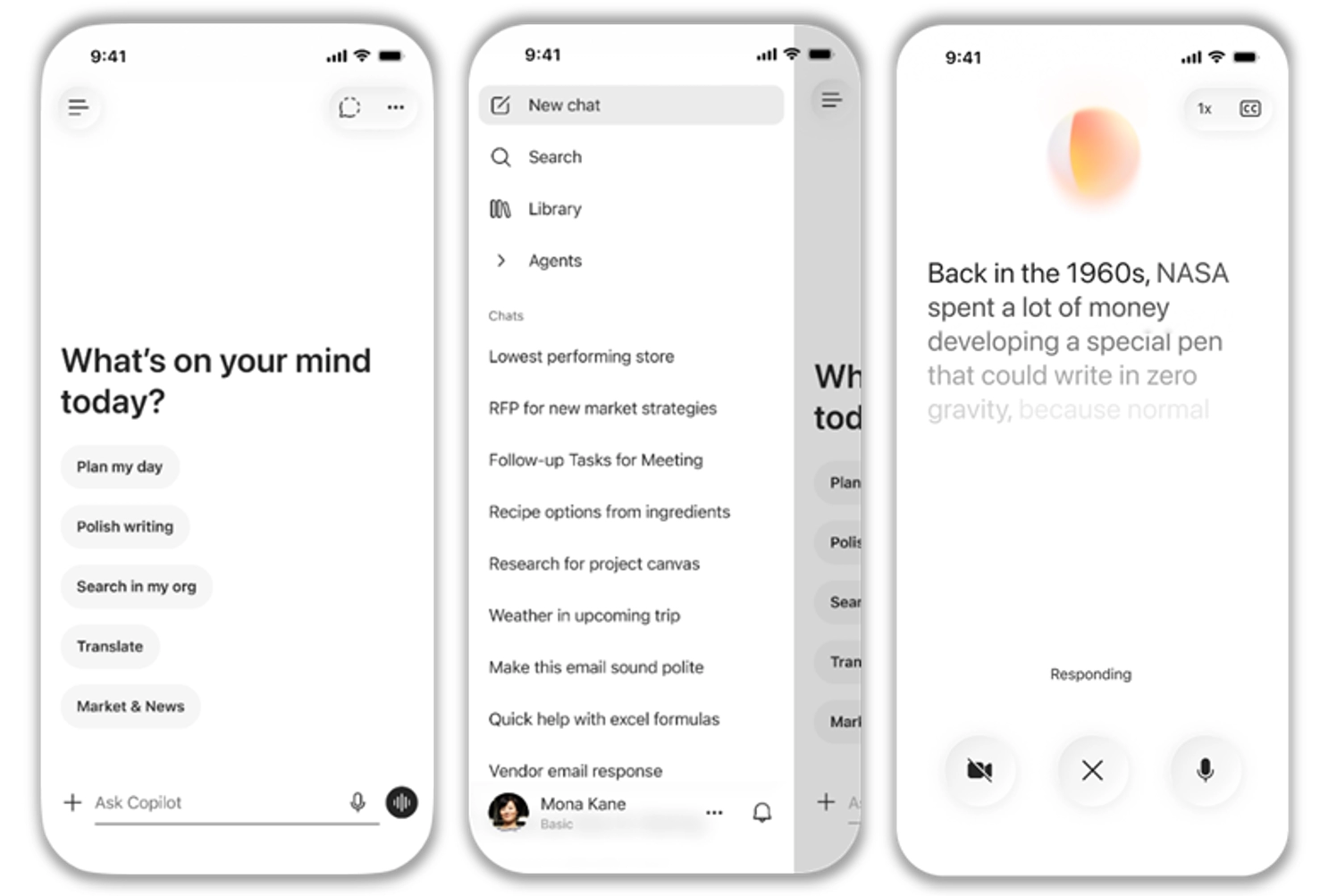
The Microsoft 365 Copilot mobile app now includes a refreshed, chat-first design that delivers a cleaner and more intuitive user experience. The update improves Copilot Chat with support for text formatting in prompts and a redesigned layout that makes responses easier to view, copy, reopen, and reference through citations. The app also introduces a streamlined menu for easier navigation, along with updated visuals including liquid glass styling and a new experience for voice conversations.
What will happen:
When this will happen
Rolling out in May.

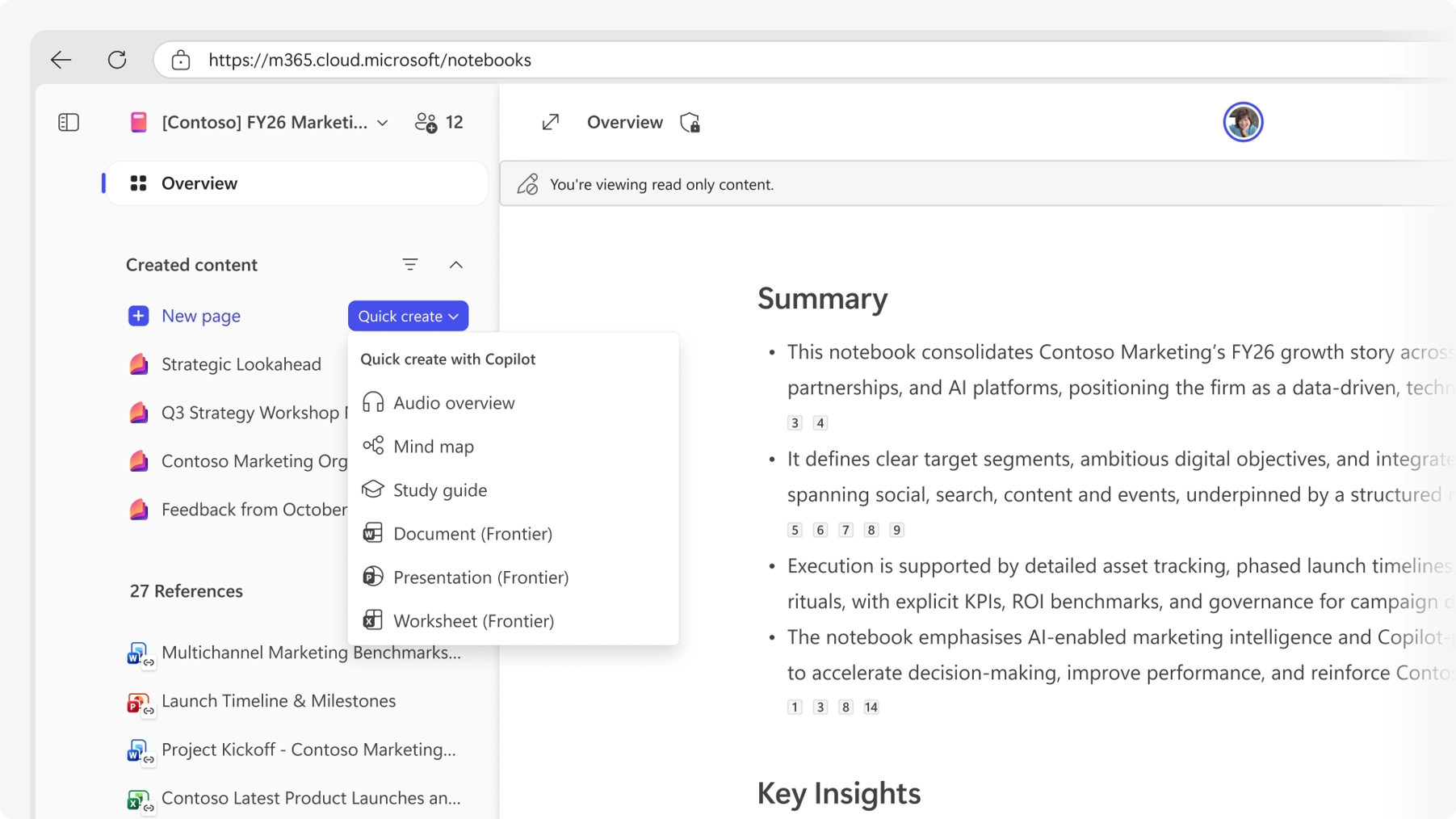
Copilot Notebooks now supports generating Word documents directly from the content and references collected in a notebook. Users can create reports, summaries, proposals, and other document types by describing their requirements, including topic, audience, and themes.
How this affects your organization
Who is affected:
Users with access to Microsoft 365 Copilot and Copilot Notebooks.
What will happen:

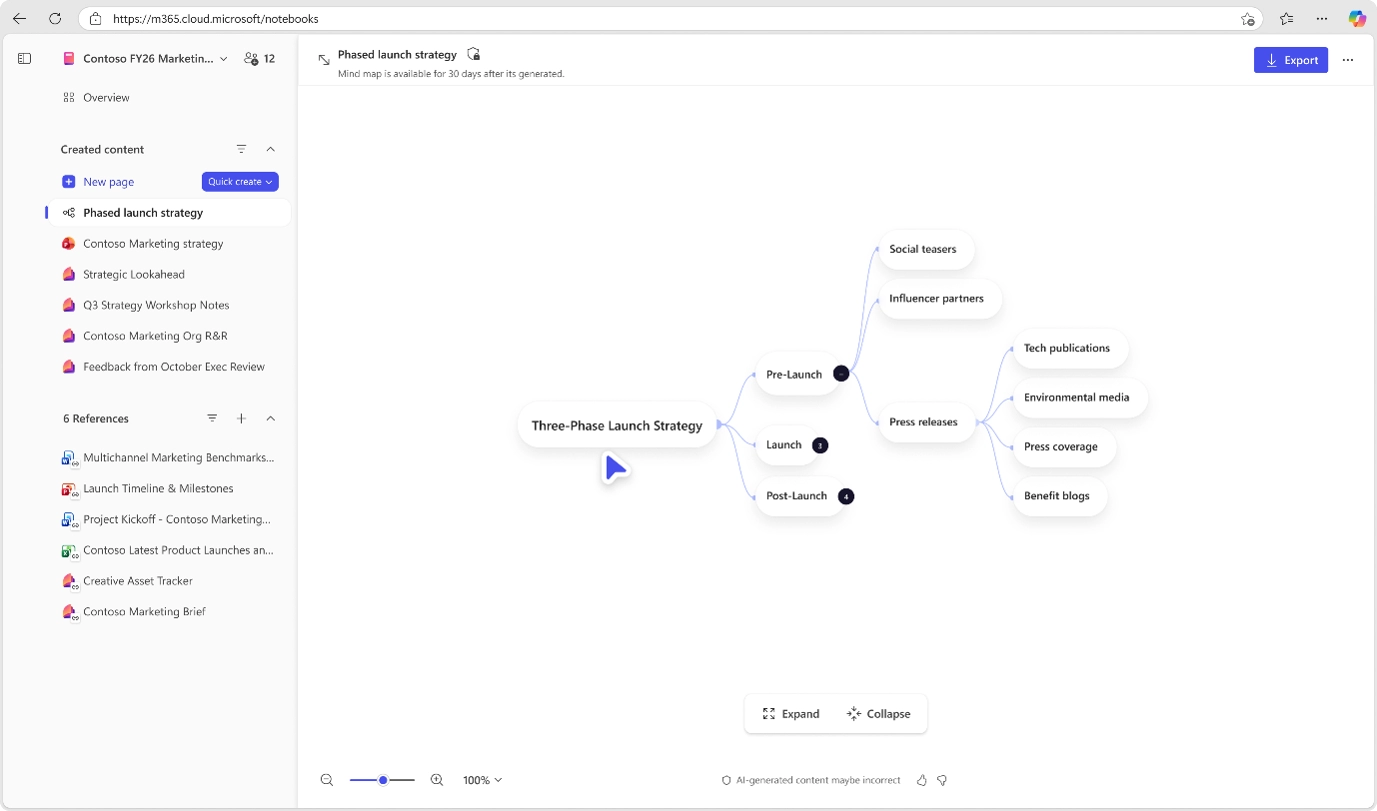
Mind maps in Copilot Notebooks provide an interactive, grounded view of key topics and relationships across notebook content. This capability helps users explore and understand complex information more effectively.
How this affects your organization
Who is affected:
Users with access to Microsoft 365 Copilot and Copilot Notebooks.
What will happen:

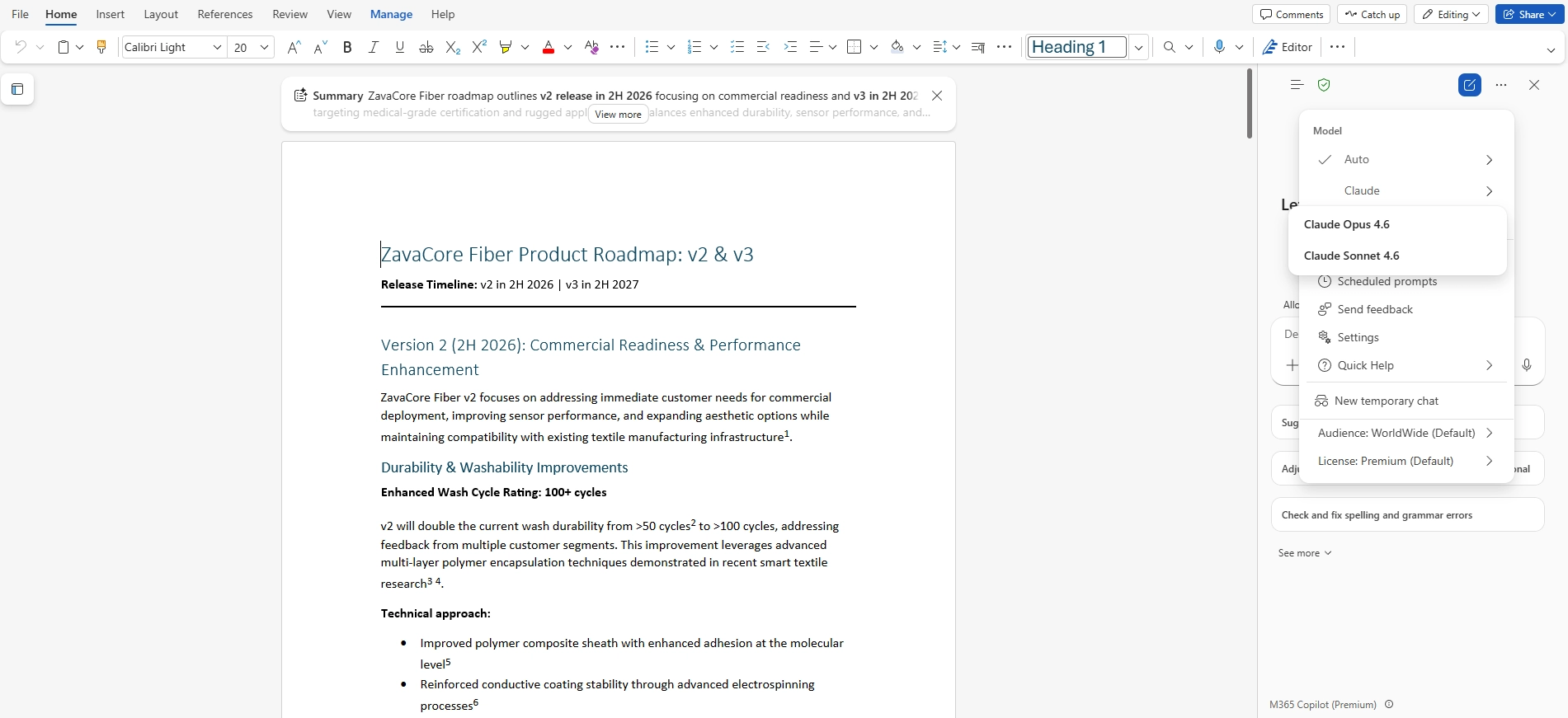
Copilot in Word now includes a Claude model option, providing an additional large language model choice for drafting and editing content. Users can select an Anthropic model alongside existing OpenAI options, with Copilot applying the same editing workflows using the selected model.
How this affects your organization
Who is affected:
Users with access to Copilot in Microsoft Word.
What will happen:

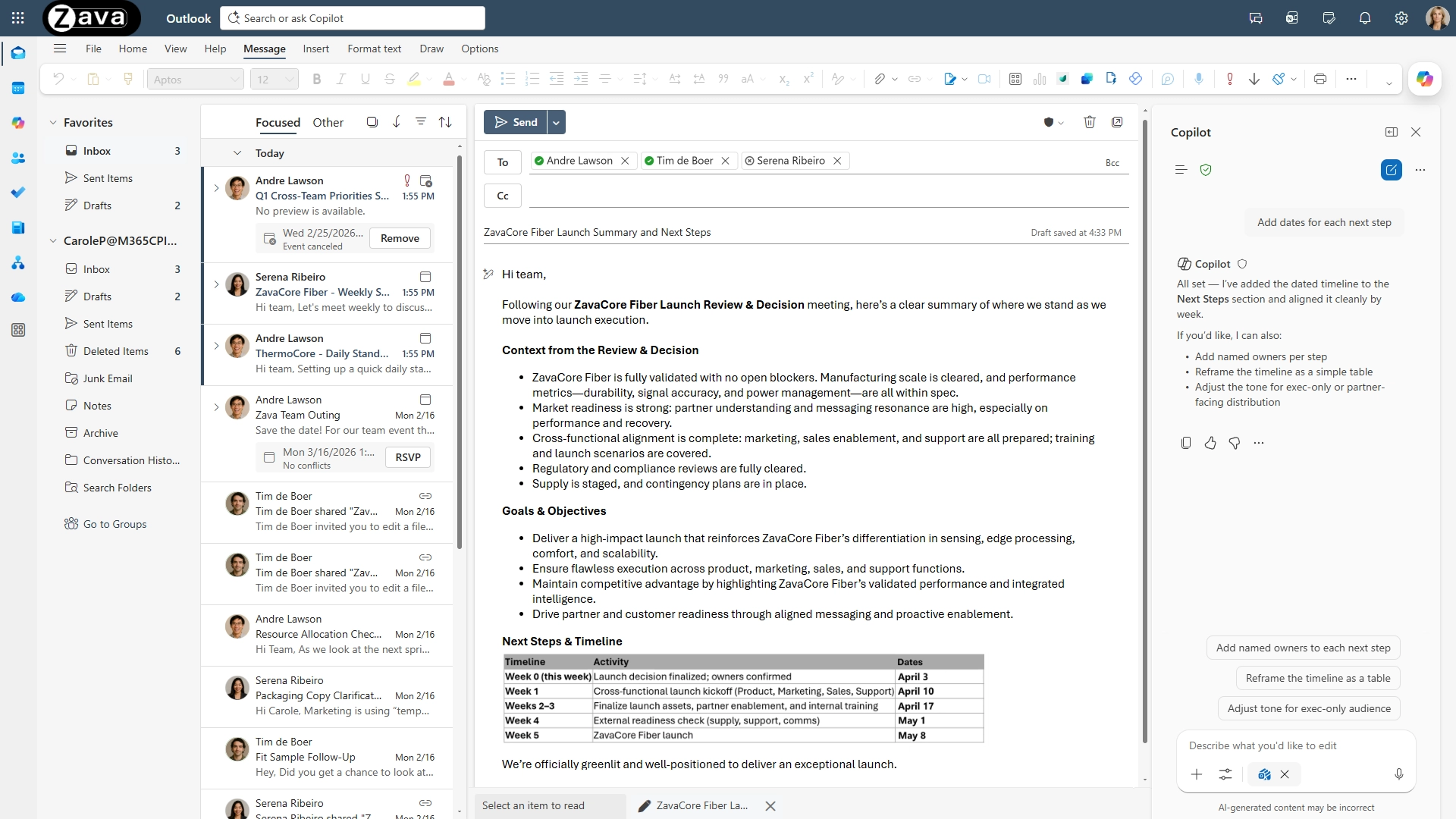
Copilot in Outlook now writes the first draft directly in the email compose canvas and iterates with the user to refine it. Instead of generating a separate draft, Copilot updates the message in place, asking clarifying questions about goals, audience, or tone and applying changes as the user responds.
When this will happen
Rolled out to new Outlook in March.
How this affects your organization
What will happen:
No admin configuration is required.
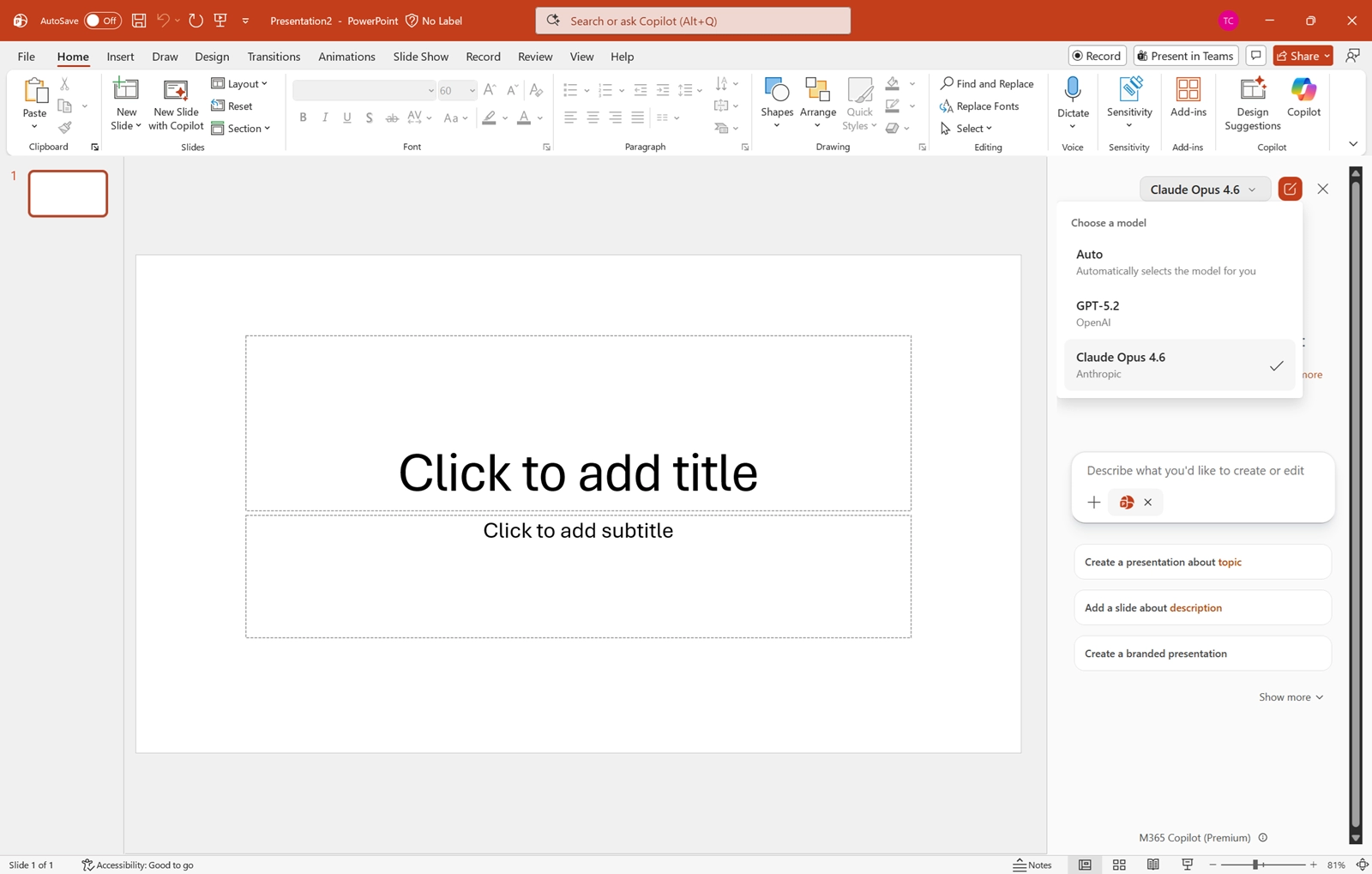
Microsoft 365 Copilot (Premium) in PowerPoint now allows users to select which AI model to use when creating or editing presentations. This capability provides additional flexibility while maintaining existing security, compliance, and administrative controls.
When this will happen
General Availability (Worldwide): Rollout begins early April 2026 and is expected to complete by early May 2026.
How this affects your organization
Who is affected:
What will happen:

Learn how to secure Copilot Studio agents with best practices for authentication, DLP, runtime protection, compliance, and governance to prevent...
Monthly updates, news & events from Microsoft Copilot to help you & your business grow & get best out the...
Learn how to implement Microsoft 365 Copilot successfully with this step-by-step roadmap. Covers readiness assessment, phased deployment, change management, governance,...