Microsoft 365 E7 Frontier Suite Decoded: Is the $99/User Bet Worth It for Your Enterprise in 2026?
Microsoft 365 E7 decoded: what’s inside the Frontier Suite, why leaders are interested, and the key questions enterprises must ask...

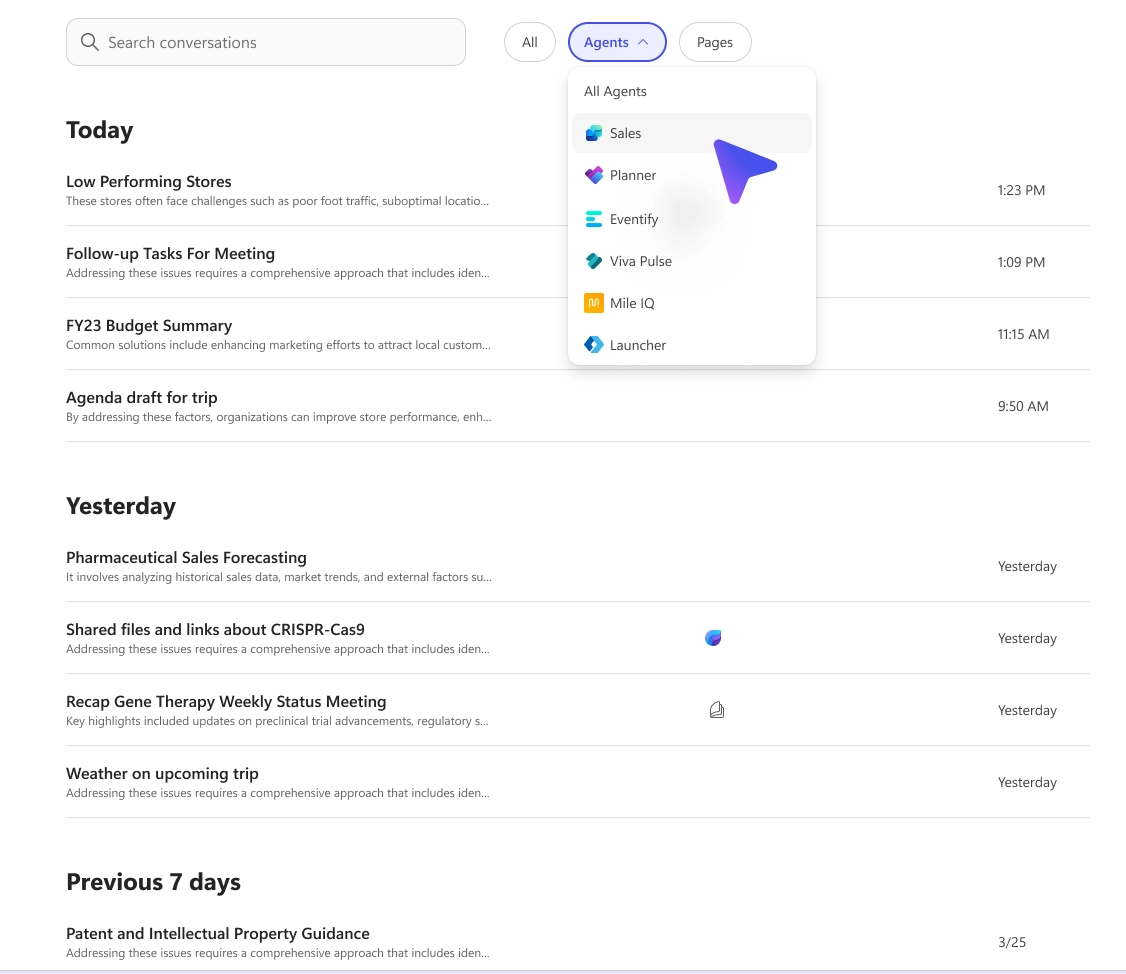
Coming this August, Copilot Chat is getting smarter with enhanced conversation history features to help users quickly revisit and reuse prior chats.
What’s new:
These enhancements boost productivity by reducing time spent re-searching for key insights.

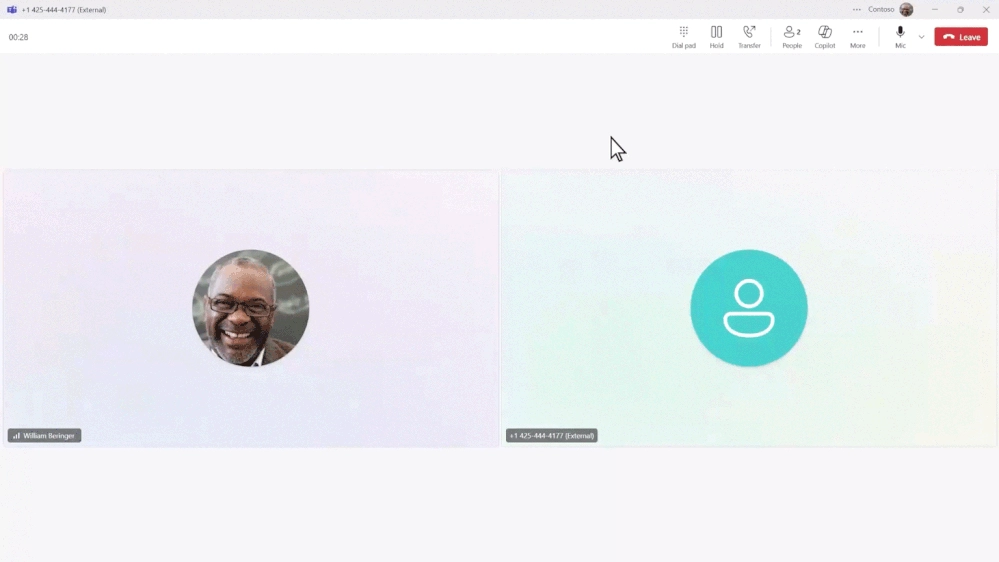
Rolled out in July, Microsoft Teams now lets users access Copilot during sensitive live calls—even when recording and transcription are off.
What’s improved:
This update helps teams stay focused and efficient—without compromising discretion.

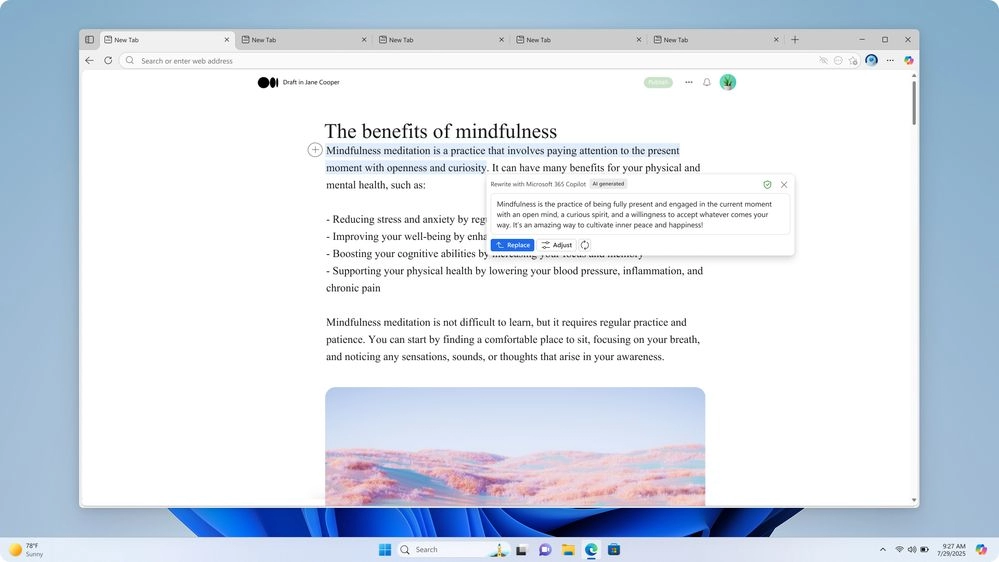
Launched in July, the “Rewrite with Microsoft 365 Copilot” feature in Microsoft Edge helps users refine their writing in seconds—right where they work.
Just highlight text, right-click, and choose Rewrite (or press Alt + I) to get suggestions tailored by tone, length, and format—from professional to casual.
Perfect for emails, blogs, or reports—Copilot keeps your voice intact, while making your message clear and compelling.
Built-in, secure, and designed to keep you in flow.

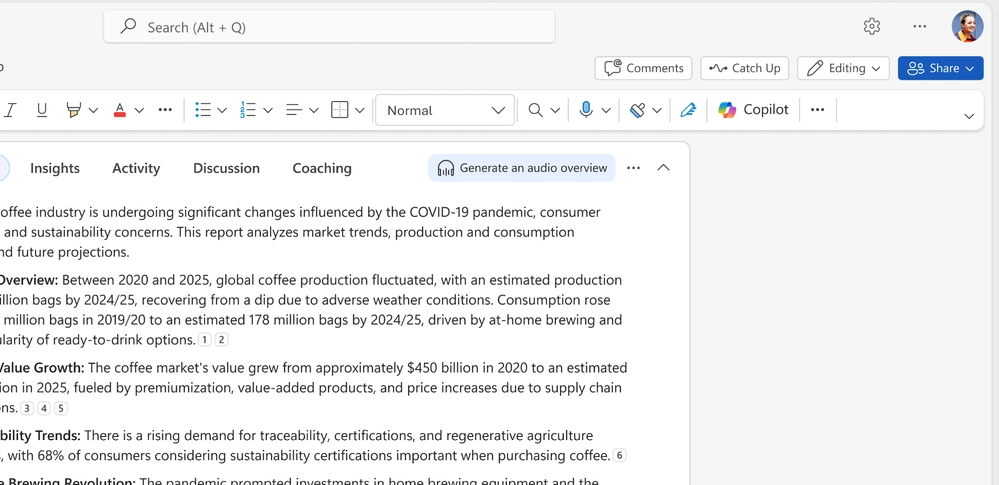
Released in July, Copilot in Word now offers an audio overview feature—letting users listen to a podcast-style summary of any document.
Available in English on Word for web and Windows desktop, this hands-free option helps users absorb key insights while multitasking or on the go.
It’s a smarter way to stay updated—without staring at a screen.

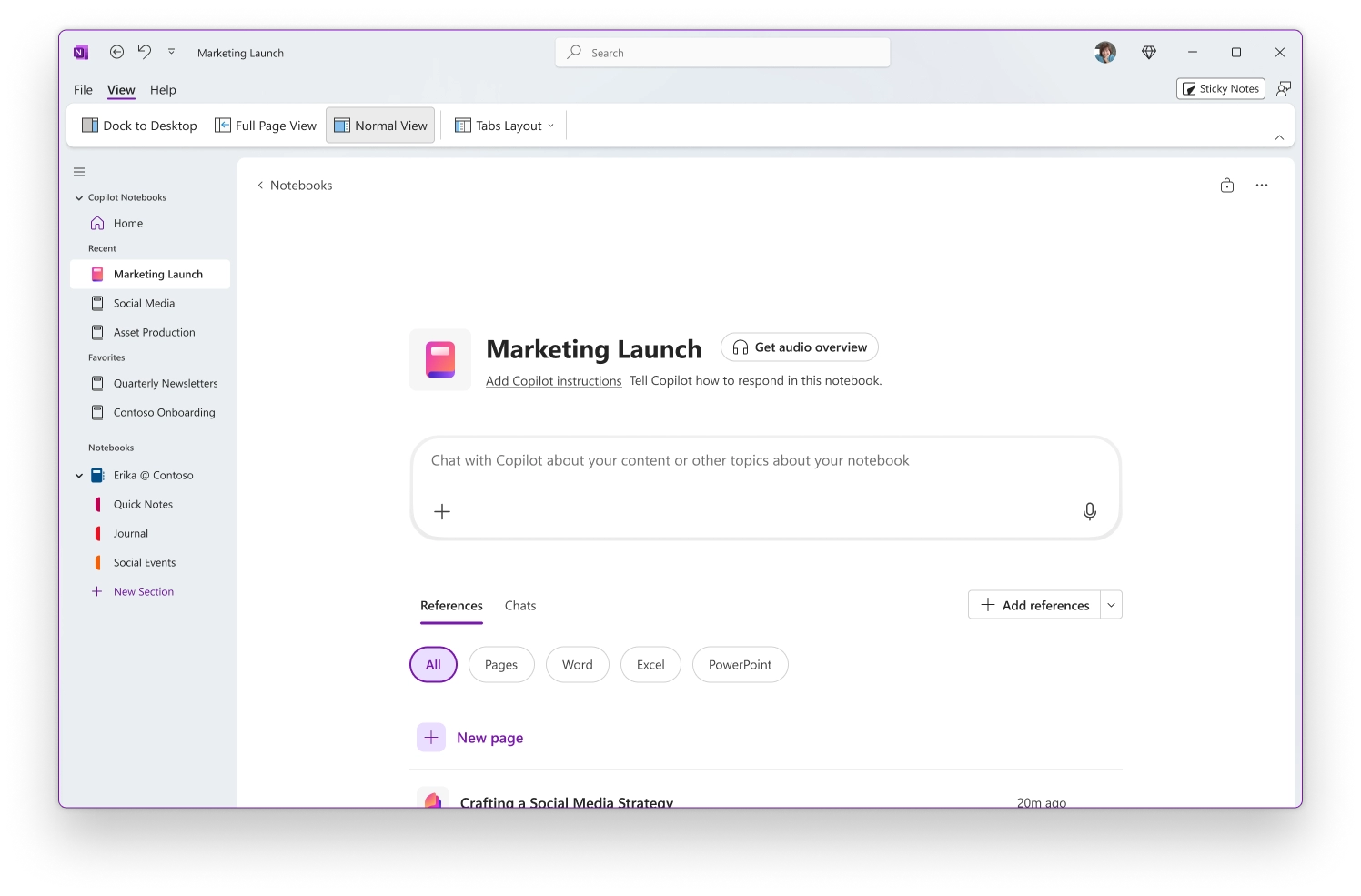
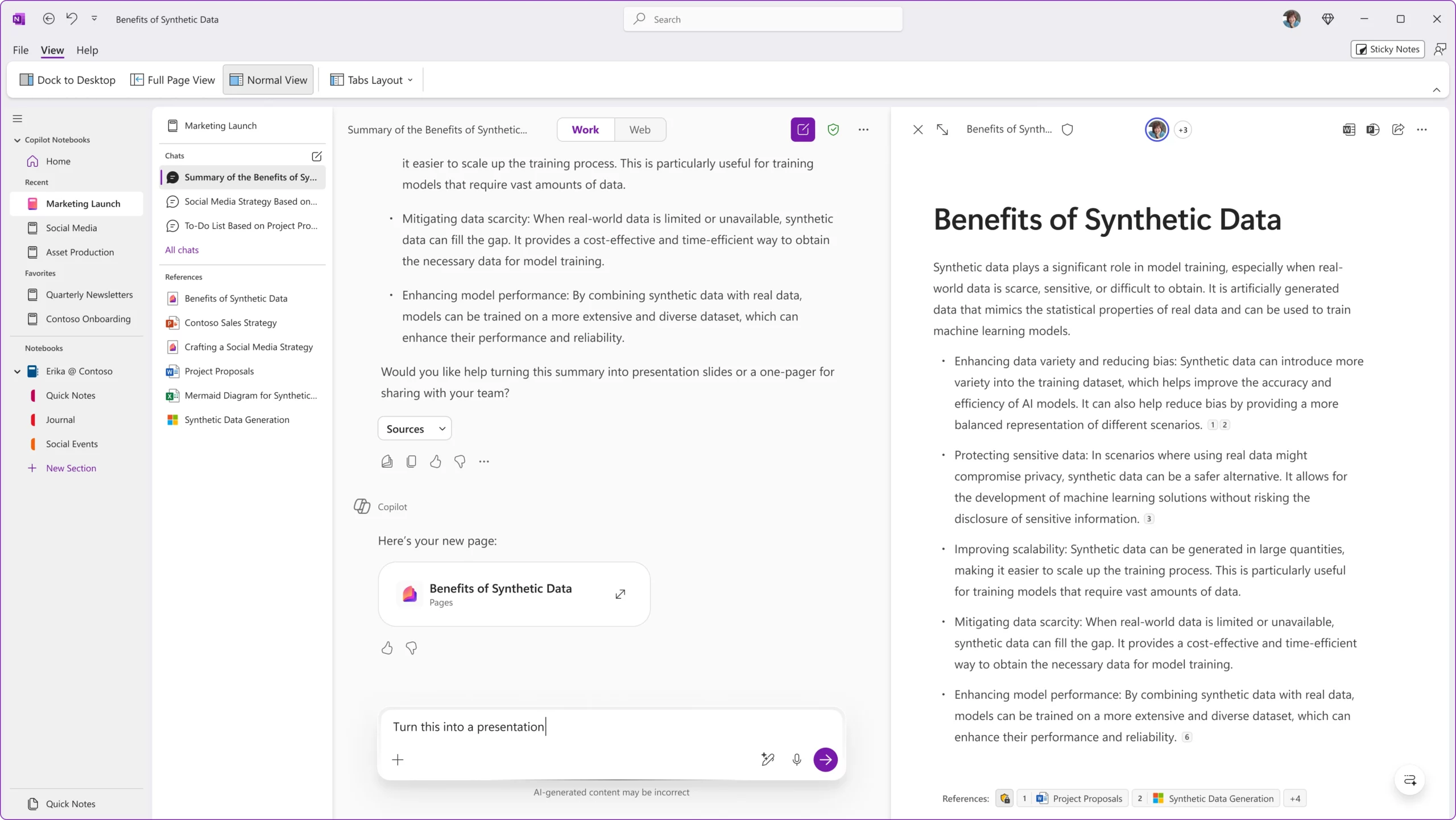
Now available in OneNote, Copilot Notebooks act as an intelligent workspace—designed to organize your entire project in one place.
Bring together Copilot chats, Word docs, Excel files, and more. Then, ask questions and get context-aware answers, summaries, and insights—all without switching apps.
It’s your personal knowledge hub, supercharged by AI.


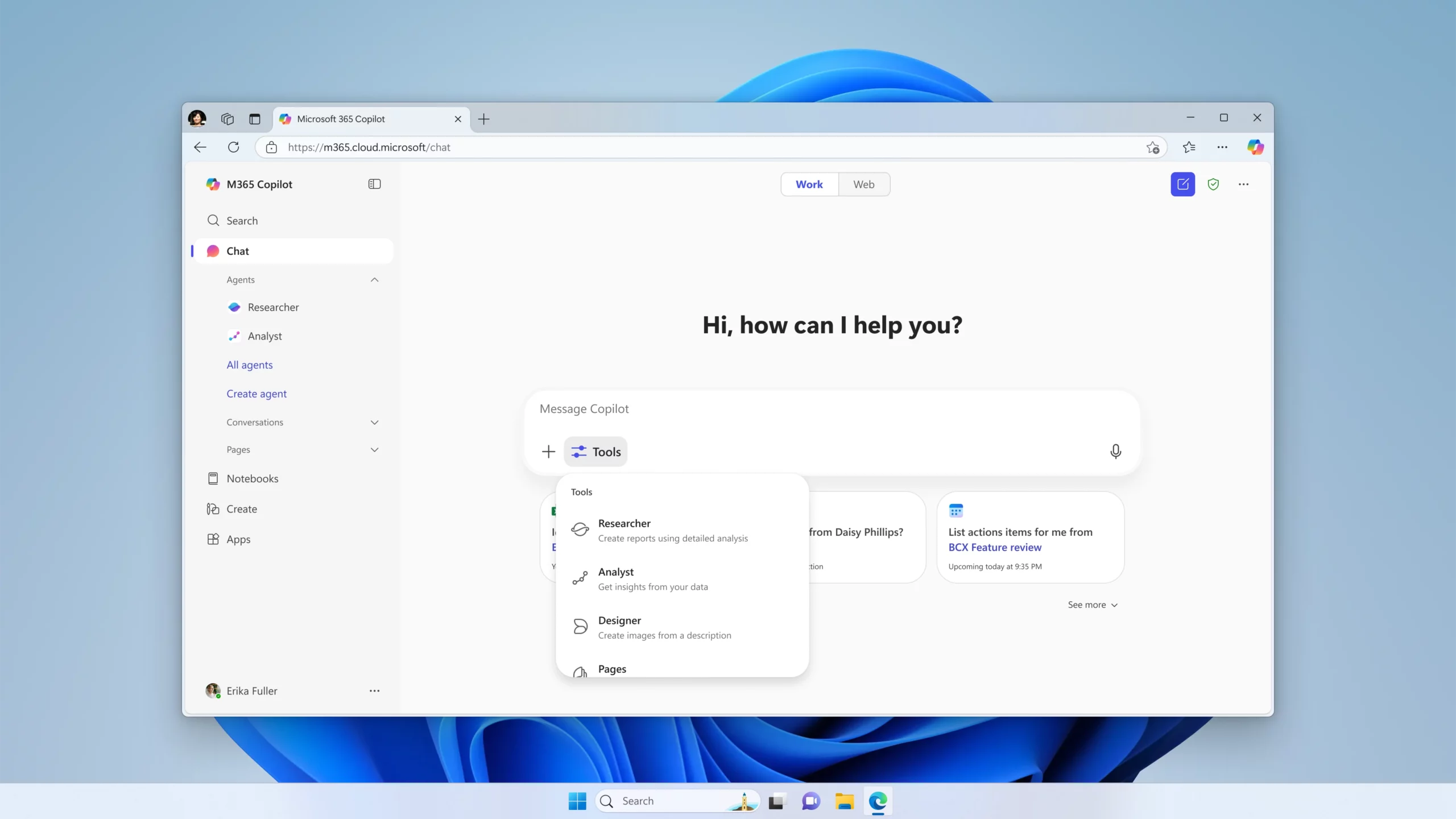
Starting mid-August 2025, a new Tools button in the Copilot Chat prompt box will make it easier for users to access the right AI features when they need them most.
With a single click, users can discover powerful capabilities—like Researcher, Analyst, Pages, and image generation—based on their license. This update enhances productivity by bringing task-specific tools into one intuitive menu, right where the work happens.

Microsoft 365 E7 decoded: what’s inside the Frontier Suite, why leaders are interested, and the key questions enterprises must ask...
Learn how to prepare your organization for Microsoft 365 Copilot by aligning strategy, cleaning up data, securing access, training users,...
Monthly updates, news & events from Microsoft Copilot to help you & your business grow & get best out the...