Creating a Copilot Agent for SharePoint: Step-by-Step Guide
Learn how to create a Copilot Agent for SharePoint using SharePoint and Copilot Studio. Follow this step-by-step guide to build...

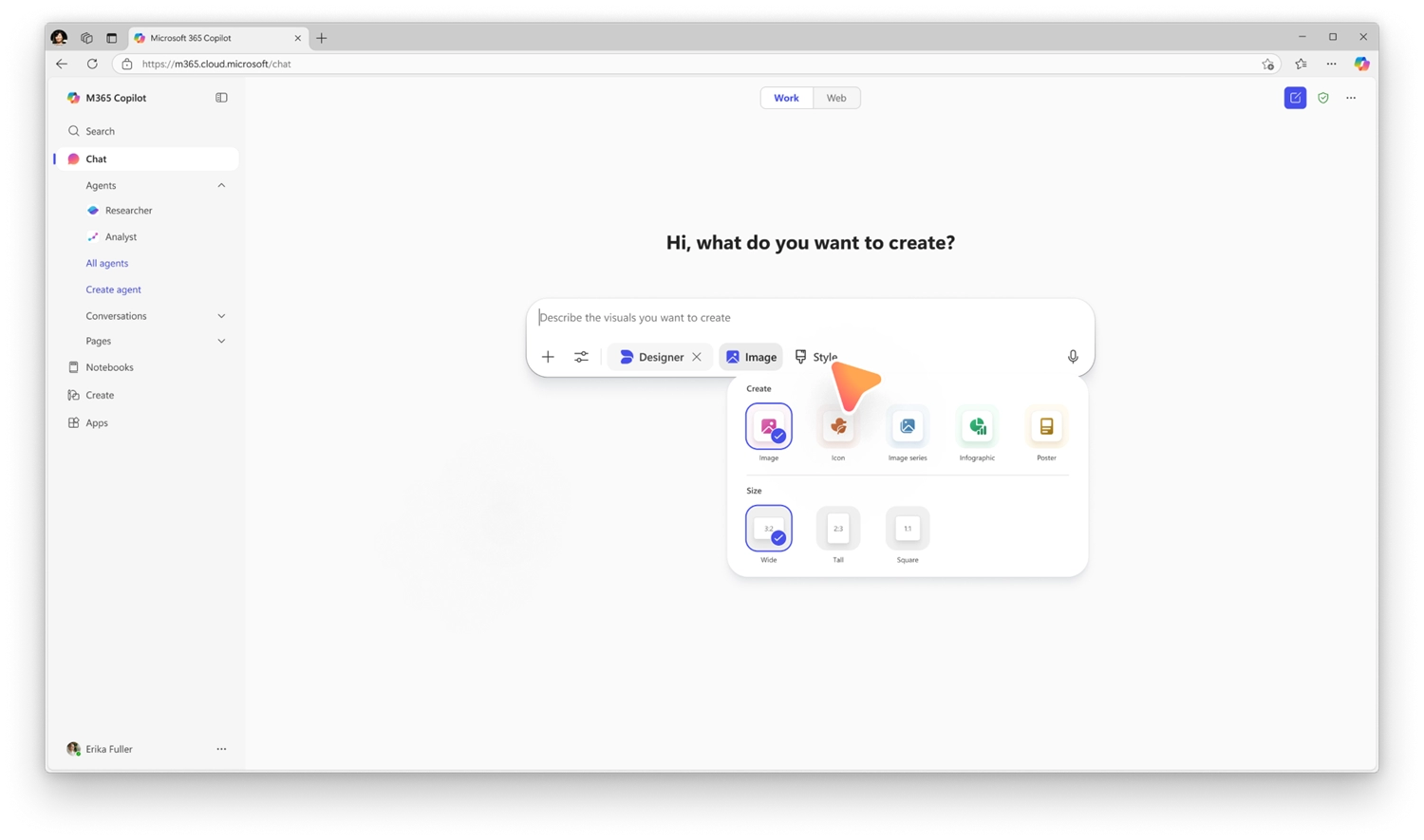
Designer tools in Copilot introduce a new set of UX-based controls that provide greater control over how images and visual artifacts are created. These tools help users refine prompts, adjust visual outputs, and iterate more effectively, improving quality and reducing trial and error.
When this will happen
General Availability (Worldwide): Rollout began in mid-February 2026 and is expected to complete by early April 2026.
How this affects your organization
Who is affected:
All users with access to Copilot image creation experiences across Microsoft 365 workloads.
What will happen:

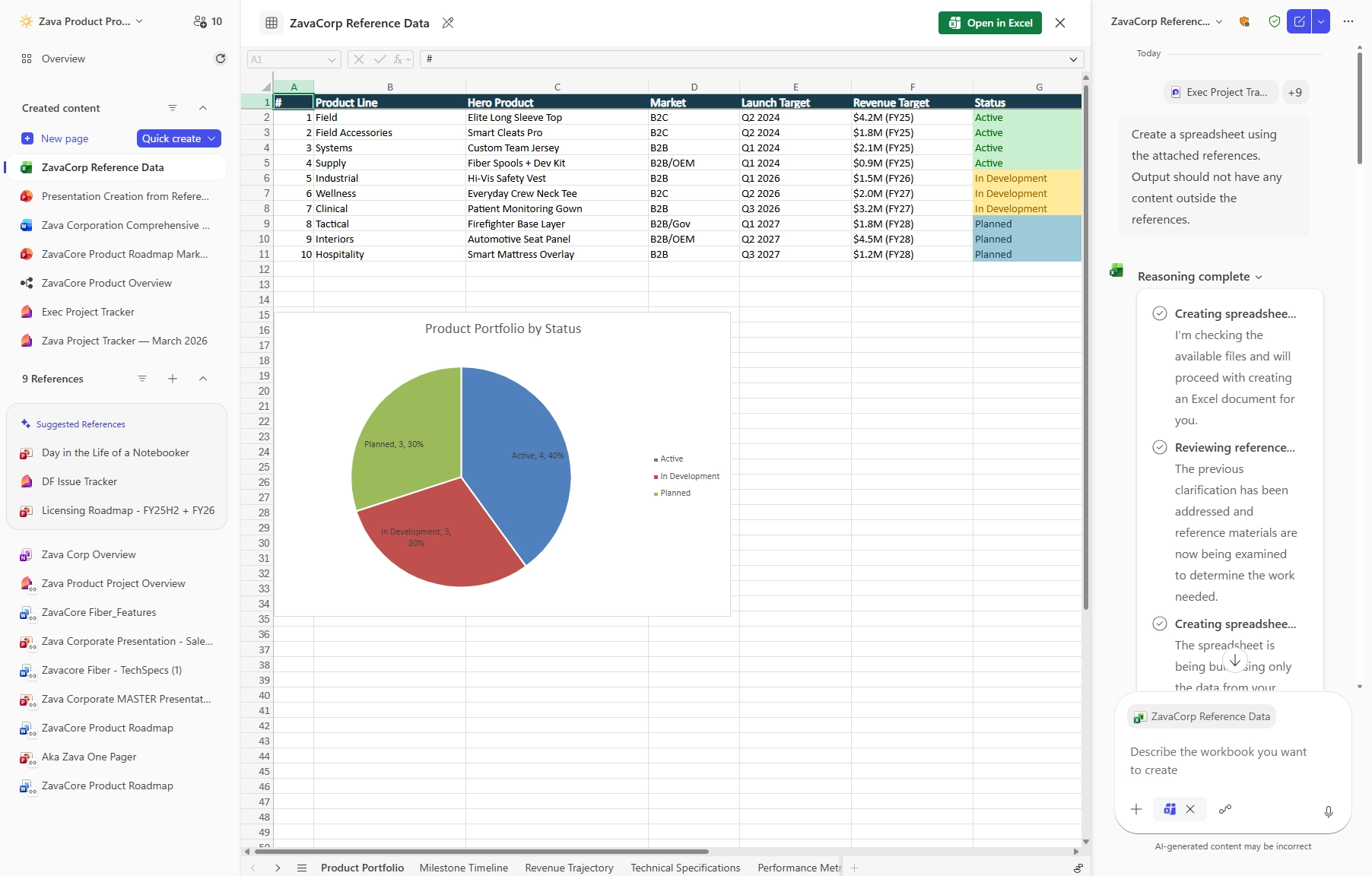
Copilot Notebooks will enable users to generate Excel spreadsheets directly from the content and references collected in a notebook. Copilot creates a structured spreadsheet based on the notebook’s context, which can then be opened and edited in Excel. This capability reduces manual setup and formatting, streamlining the transition from source material to a usable spreadsheet.
When this will happen
How this affects your organization
Who is affected:
What will happen:

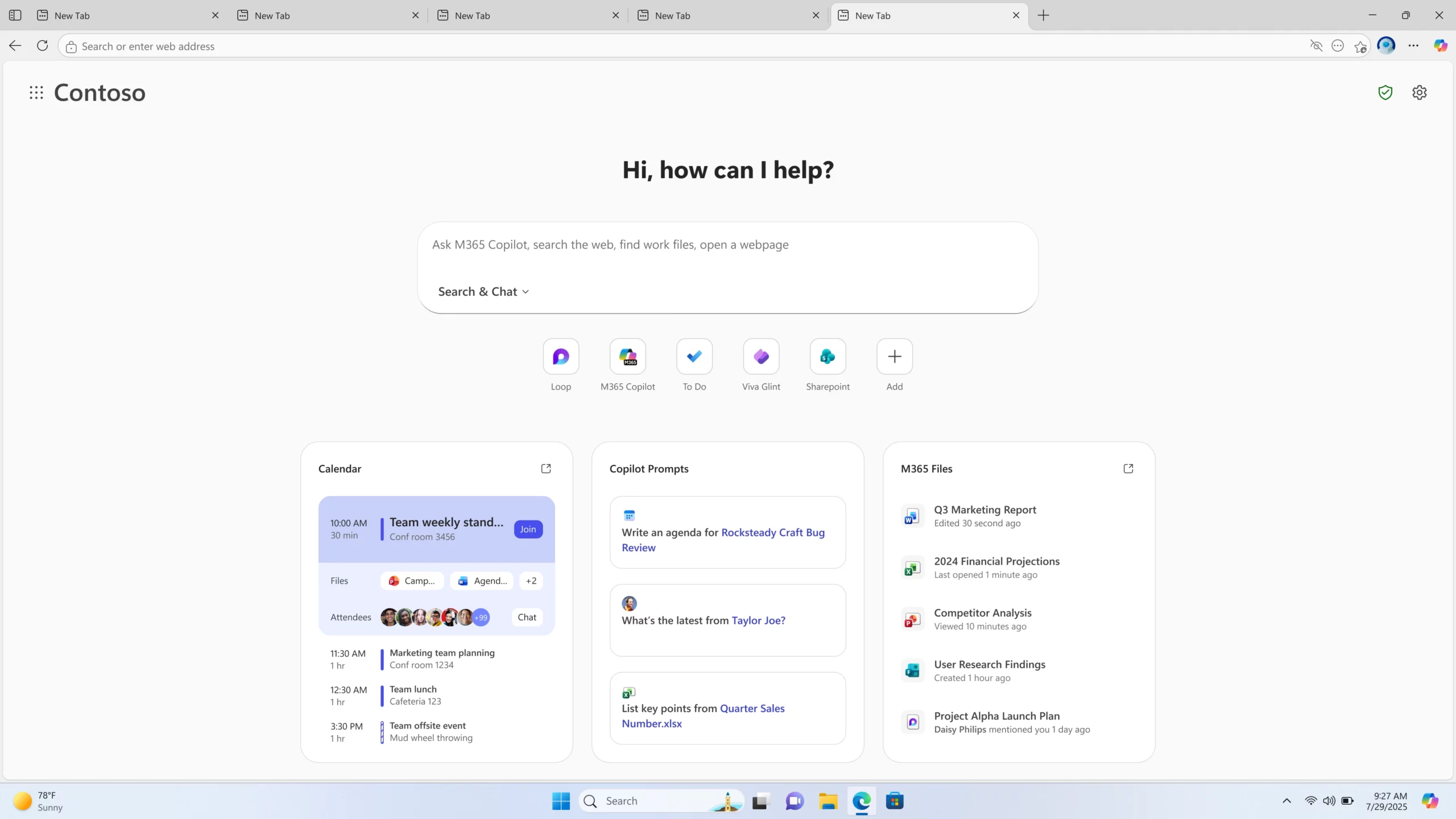
Microsoft Edge for Business is introducing a refreshed new tab page inspired by Copilot. This experience brings search, chat, and web exploration into a single search box, along with Copilot-suggested actions and curated work content to help users stay focused and complete tasks more efficiently. Users can also view personalized news and activity.
When this will happen
How this affects your organization
Who is affected:
Microsoft Edge for Business users.
What will happen:

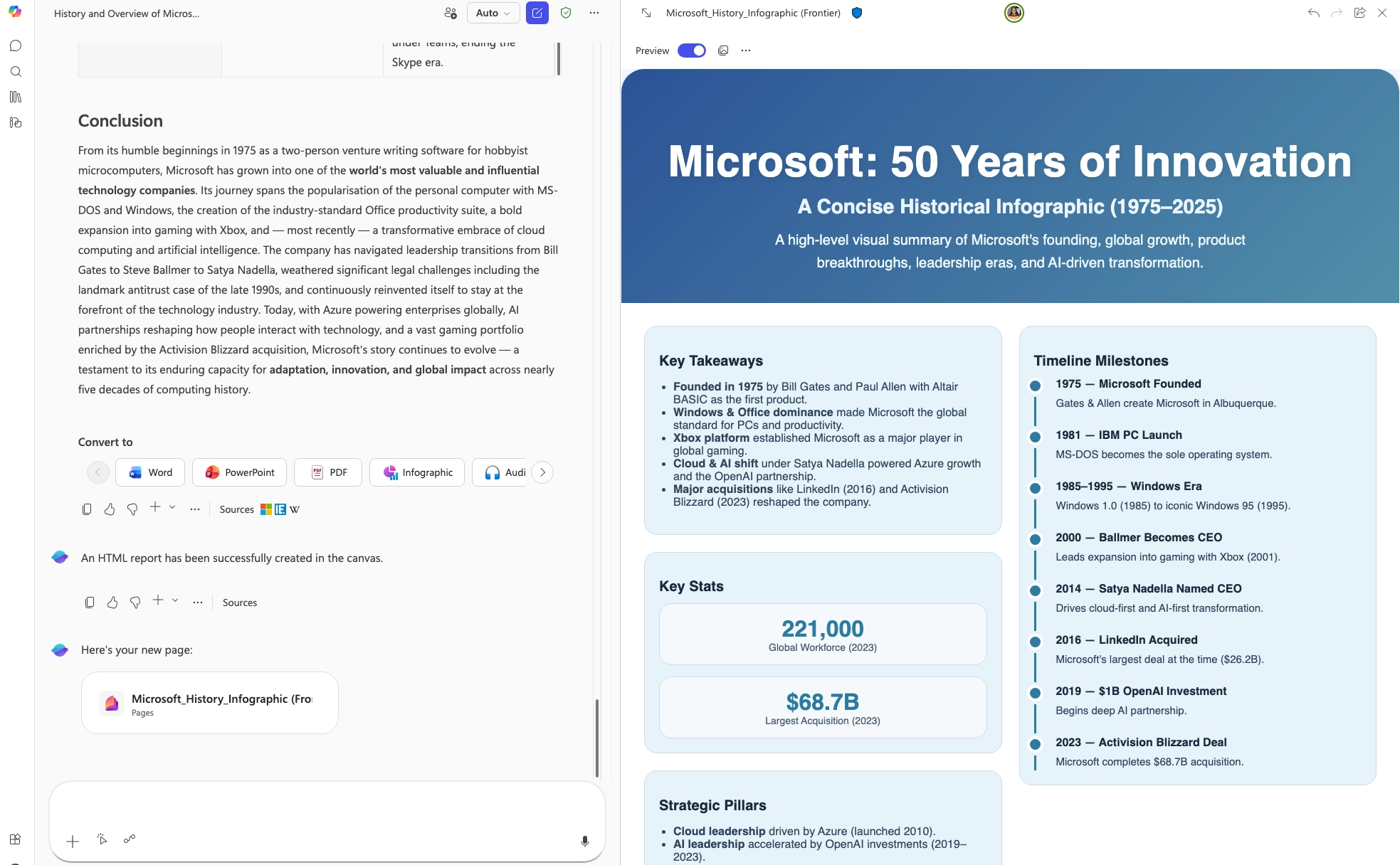
Researcher in Microsoft 365 Copilot now supports multiple output formats, allowing users to generate polished reports tailored to different audiences. Reports can be converted into formats such as PowerPoint presentations, PDFs, infographics, or audio overviews without recreating the content.
When this will happen
Rolled out in March.
How this affects your organization
Who is affected:
Users with access to Researcher in Microsoft 365 Copilot.
What will happen:

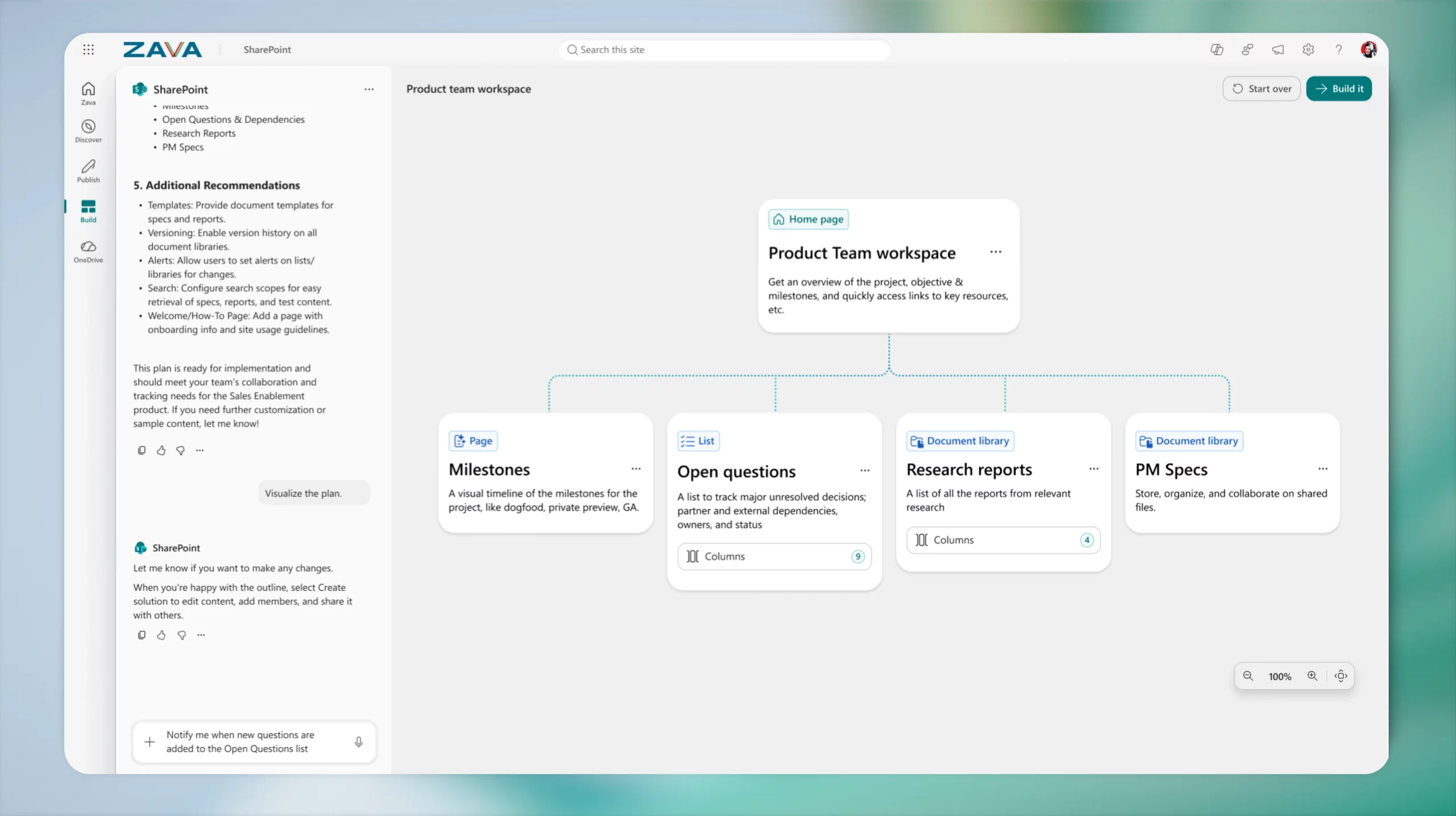
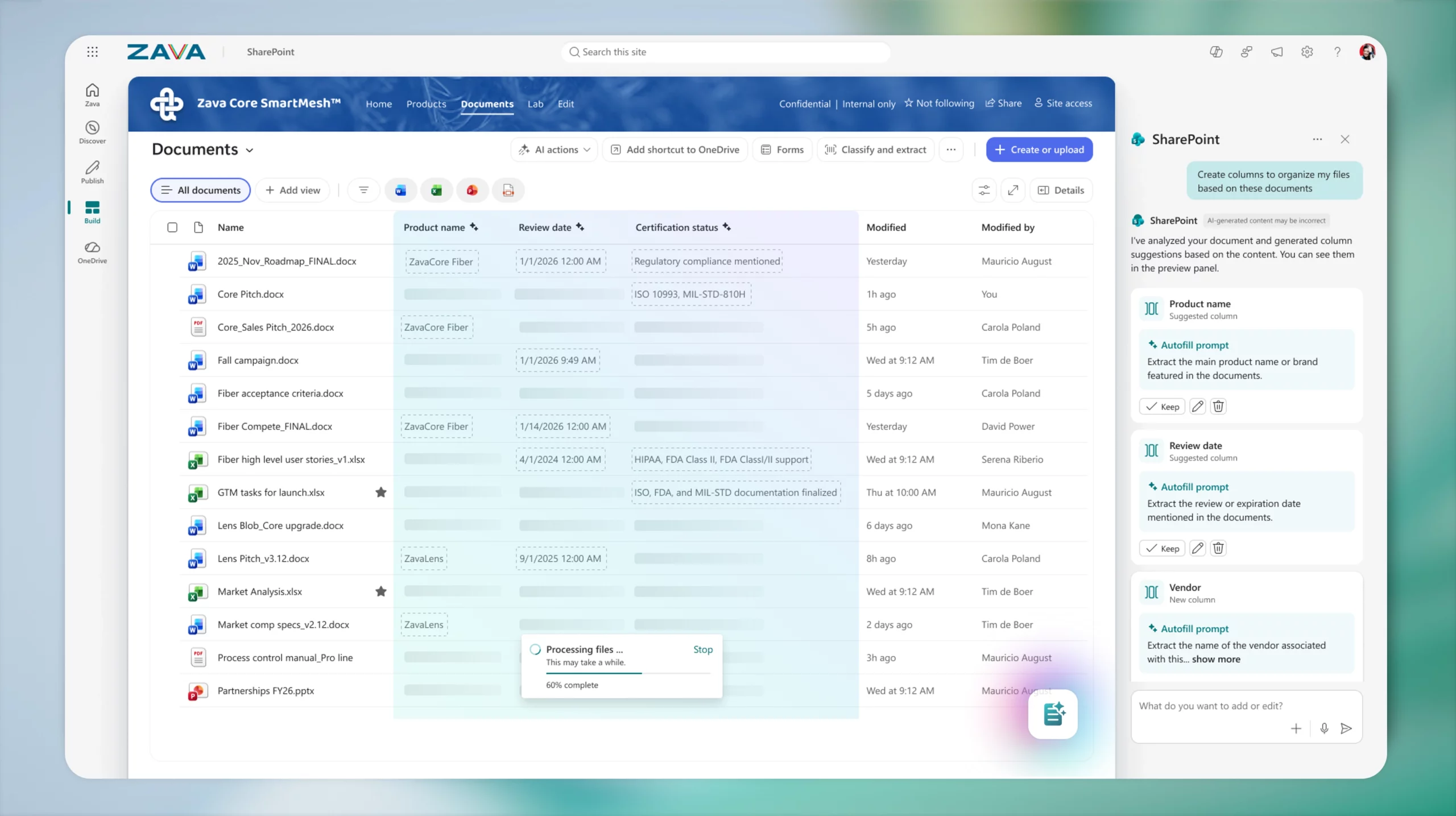
AI in SharePoint introduces agentic building and content intelligence directly into SharePoint. Previously released as Knowledge Agent, this refreshed experience enables users to plan and build sites, libraries, pages, and lists using natural language, making SharePoint more accessible without requiring technical expertise.
In addition, AI in SharePoint enhances content management by automatically extracting and applying metadata, adapting libraries as content evolves, and structuring information to support more accurate Copilot and agent experiences across Microsoft 365. The preview experience is powered by Anthropic’s Claude model.

When this will happen
How this affects your organization
Who is affected:
Users working in SharePoint with access to AI capabilities.
What will happen:


Learn how to create a Copilot Agent for SharePoint using SharePoint and Copilot Studio. Follow this step-by-step guide to build...
Explore August 2025 Copilot updates: GPT-5 rollout, smarter Word activity tracking, visual editing in Chat, instant summaries in Edge, and...