
For Organizations
Customize your Copilot
Build your own
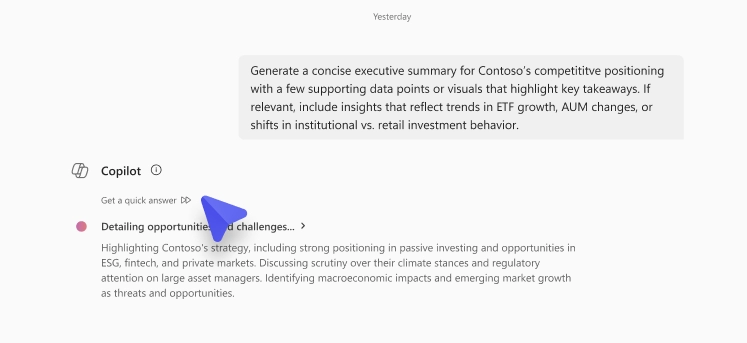
GPT-5 will soon be established as the default model in Copilot Chat. The real-time router in GPT-5 enables Copilot to automatically select the most appropriate model for each prompt, using a high-throughput chat model for faster replies and a reasoning model for complex, multi-step queries.
A toggle option will temporarily allow switching between models when the reasoning model is selected. This toggle will be enabled by default and later removed as part of the rollout.
Rollout timeline:
Impact:
Copilot Chat is being updated to simplify calendar management with improved search capabilities. Meetings can now be searched by organizer, allowing quick access to schedules created by managers, teammates, or peers. This enhancement improves the process of reviewing and preparing for upcoming meetings.
Delegates with access to other users’ calendars can also use Copilot Chat to search and manage those calendars more efficiently, streamlining meeting detail retrieval and schedule management.
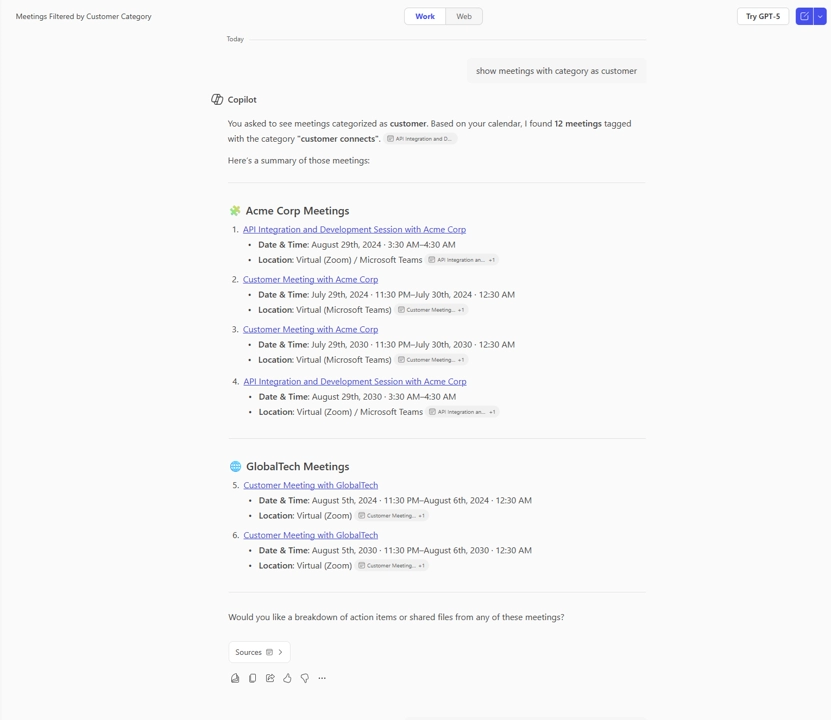
Additionally, Copilot Chat now supports searching Outlook calendars by meeting category. All tagged meetings are displayed with key details such as title, date, time, and location, improving schedule organization.
Rollout timeline:
Impact:
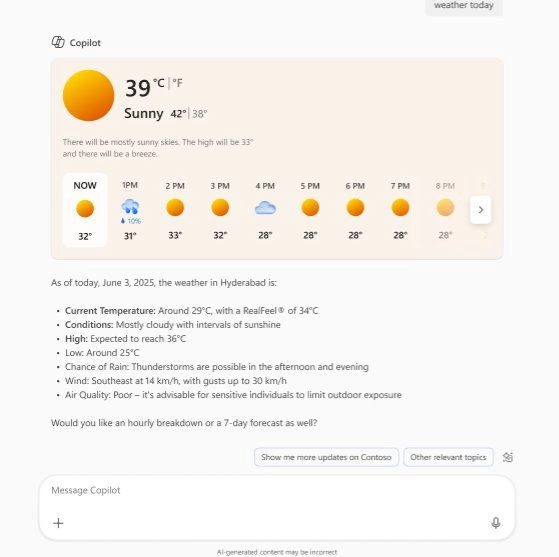
Bing web cards are being introduced in Copilot Chat to provide quick, visual summaries of information from the web. These expandable cards display rich content for common queries such as weather, stocks, sports, and news, enabling faster access to key information.
Bing web cards will appear when Copilot Chat is used to search the web and will be available to users with and without a Microsoft 365 Copilot license.
Rollout timeline:
Impact:
AI Views in Microsoft 365 Copilot Search now provide richer, context-aware summaries by displaying relevant metadata, related resources, and suggested actions. These enhancements help assess result relevance without opening the source file or message. AI Views now function across more Microsoft 365 apps and major third-party platforms through Copilot connectors, broadening support for varied enterprise use cases.
Microsoft 365 Copilot Search is also being enhanced with semantic search, organizational context, and deeper Microsoft 365 data integration to deliver more accurate, actionable responses to natural language queries. The updated experience presents direct answers along with related resources, suggested actions, and links to additional content, enabling smoother transitions from discovery to action.
Additionally, Copilot Search now returns people information for broad people-related queries, improving contact discovery and exploration. Searches for skills or roles, such as “project management leadership” or “developers in London,” surface relevant individuals across the organization.
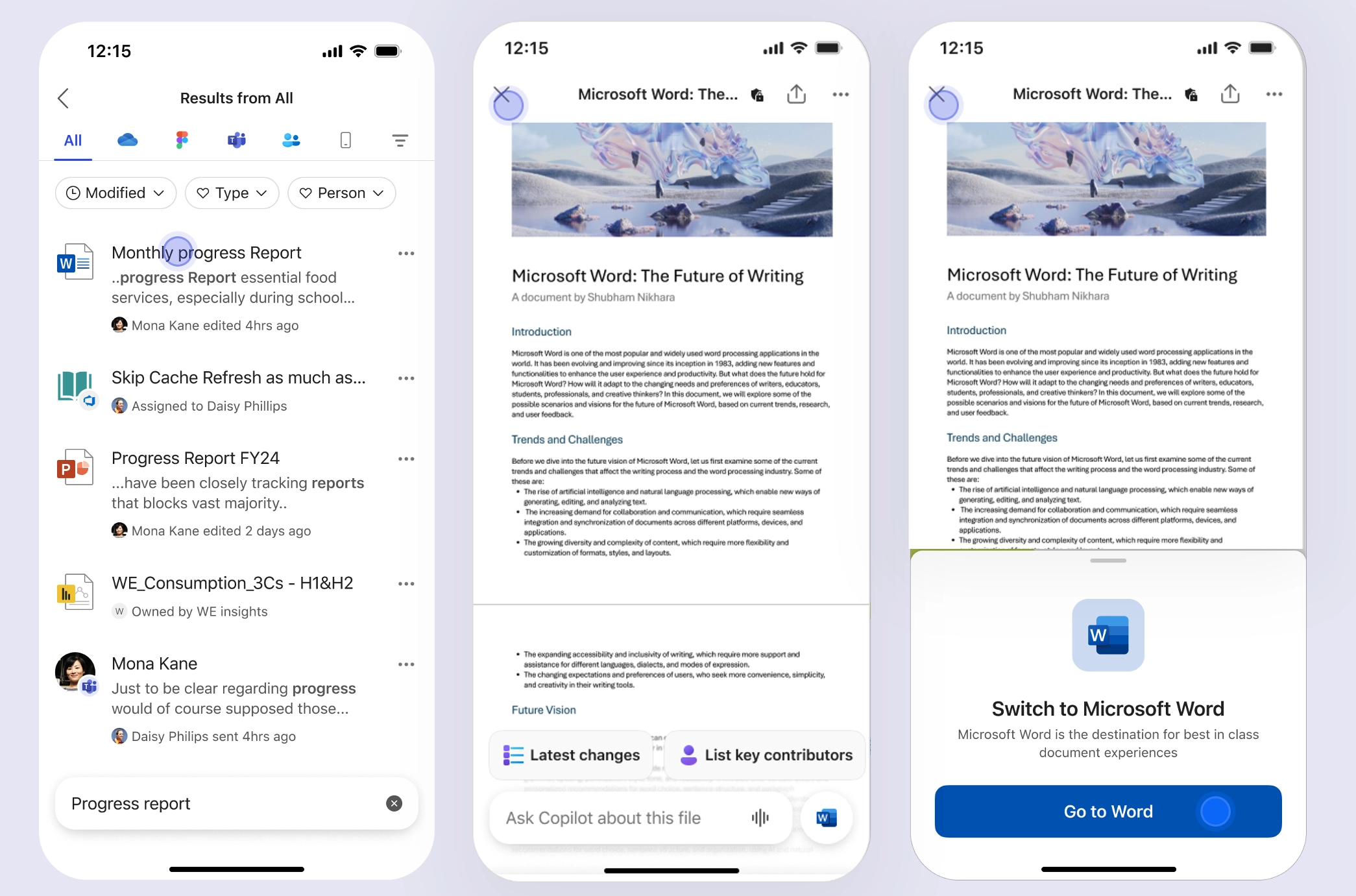
On mobile, Copilot Chat can now be used directly in file previews for Word, Excel, and PowerPoint. This enables quick file insights such as summarizing long documents, extracting deadlines from presentations, or analyzing spreadsheet data.
Rollout timeline:
Impact:
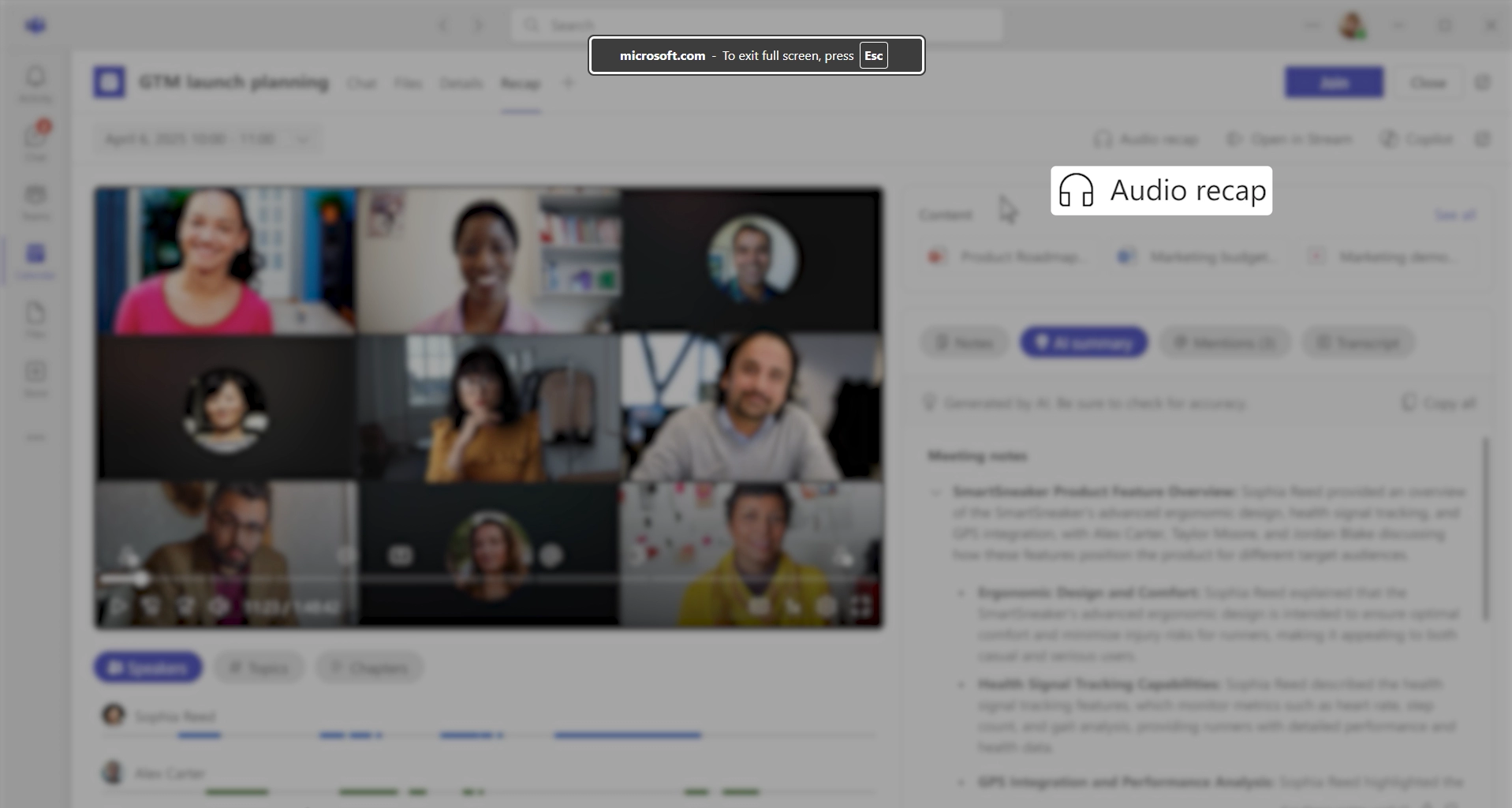
An audio recap feature is being introduced in Copilot for Teams, providing a hands-free way to stay informed about meetings. Meeting recaps can now be generated as audio summaries that can be listened to while commuting, transitioning between meetings, or working at a desk. Up to eight meetings can be summarized at once, offering flexibility in how information is consumed.
Three delivery styles are available:
Rollout timeline:
Impact:
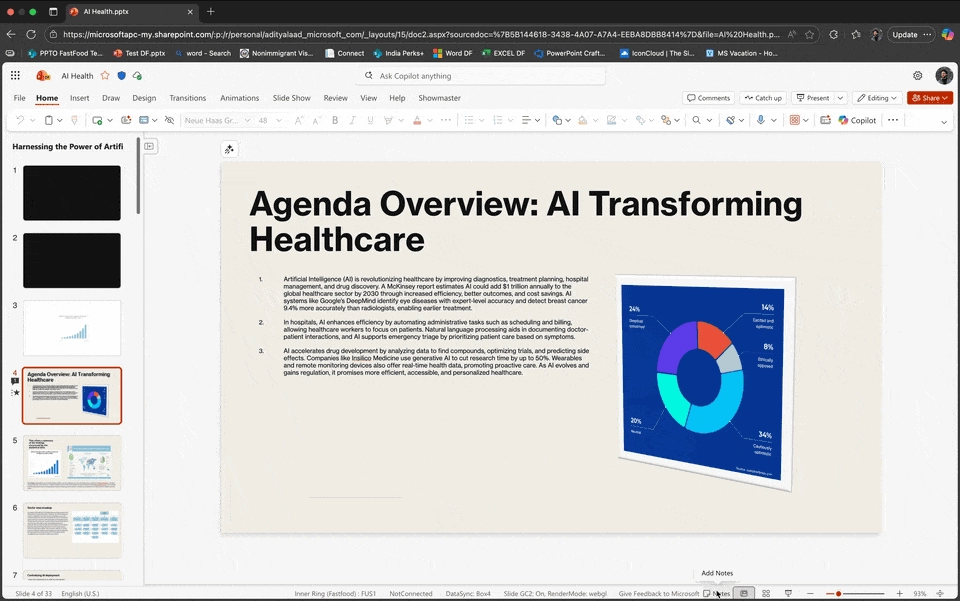
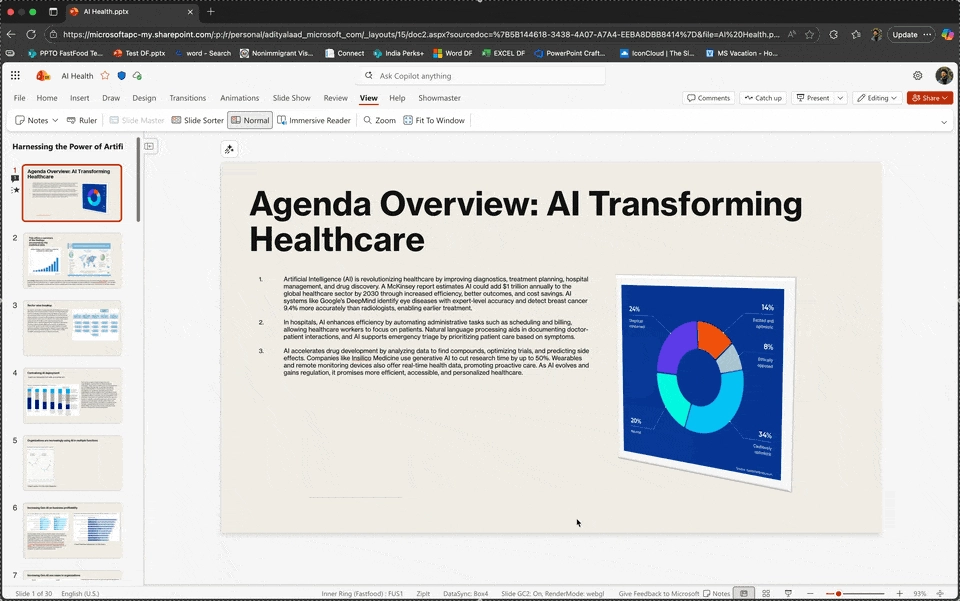
Copilot in PowerPoint now includes an on-canvas experience for creating speaker notes, replacing the previous chat-based workflow. Notes can be generated for individual slides or entire presentations, allowing seamless preparation without interrupting the creation process.
An on-canvas translation feature has also been introduced, enabling quick slide translation directly within the deck. This update streamlines localization by removing the need to switch to chat-based interactions.
Rollout timeline:
Impact:
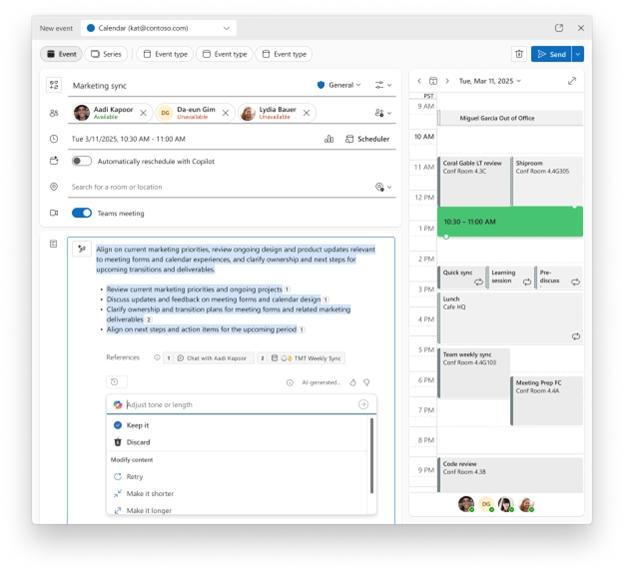
Copilot in Outlook now assists with meeting planning by automatically generating draft agendas when a meeting invite is created. Agendas are suggested based on the meeting title, attendees, and context from Microsoft 365 work data, including related meetings, chats, and emails. Drafts can be reviewed, edited, or refined before sending invitations.
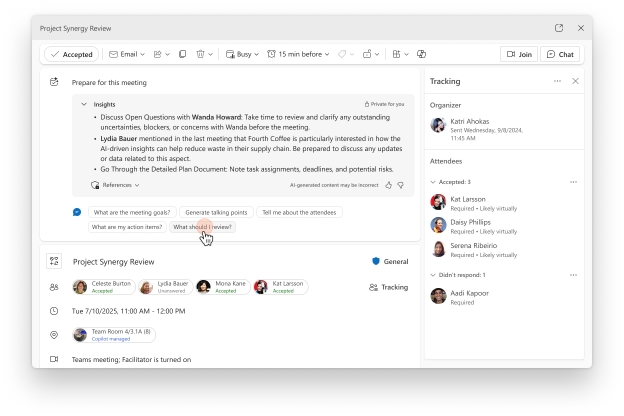
Enhancements to the meeting preparation experience further streamline pre-meeting workflows. Within the Outlook meeting event form, Copilot can now generate key insights to support preparation and suggest helpful actions such as locating pre-reads or clarifying meeting objectives. The experience now supports all meeting types, including one-on-one meetings, and allows continued conversation with Copilot for additional insights.
Rollout timeline:
Impact:
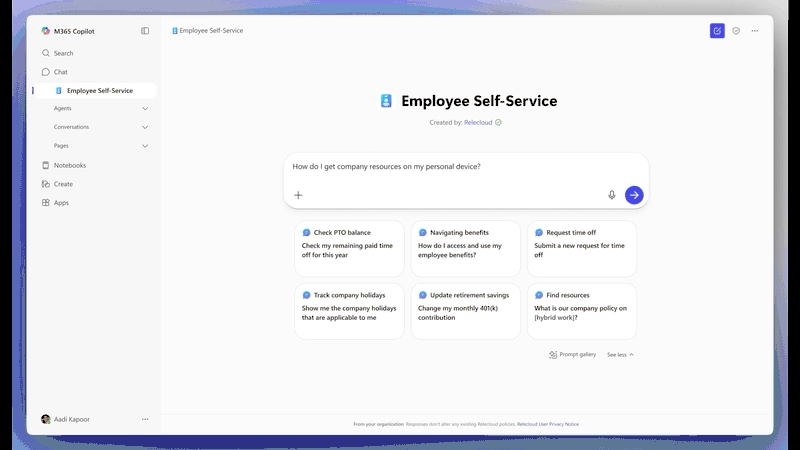
The Employee Self-Service Agent delivers a centralized experience for employee support, starting with HR and IT functions. It enables employees to quickly access information and complete tasks such as checking leave balances or submitting IT tickets. The agent integrates with systems like Workday, ServiceNow, and SAP SuccessFactors and can perform inline, contextual handoffs without requiring users to switch tools. Built in Copilot Studio, it includes connectors and preconfigured workflows, is fully customizable, and supports Microsoft 365 security and compliance. Future expansion is planned for Facilities and other verticals.
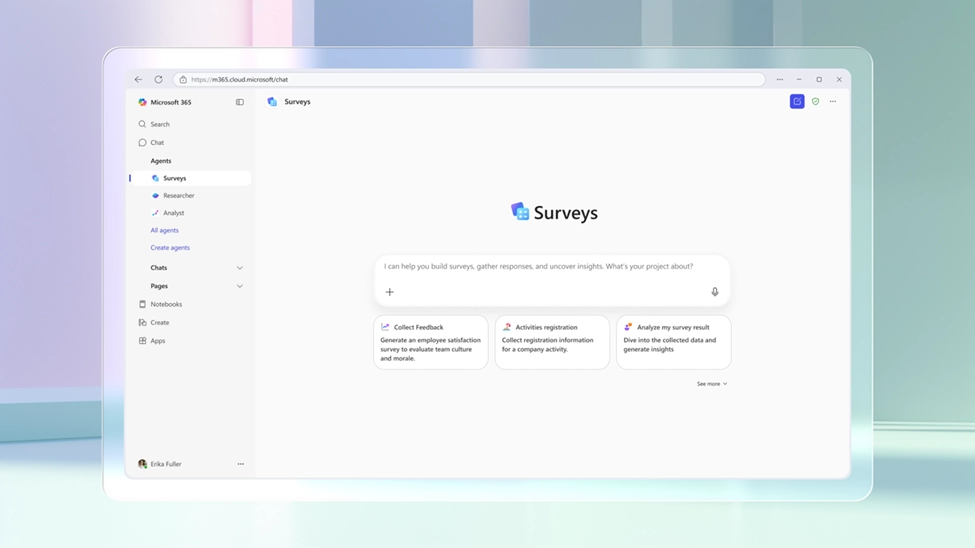
The Surveys Agent unifies the survey creation process within a single conversational interface. It removes the need to use multiple tools for form creation, response collection, and feedback analysis. This pre-built agent supports a range of use cases, including training feedback, employee engagement, and customer research.
The App Builder Agent enables quick creation of lightweight, interactive apps - such as project trackers, feedback forms, and dashboards - using natural language and Microsoft 365 data. Apps created are secure, enterprise-ready, and instantly deployable, with data stored in Microsoft Lists for seamless collaboration. Permissions inherit from Microsoft 365, ensuring consistent and secure sharing.
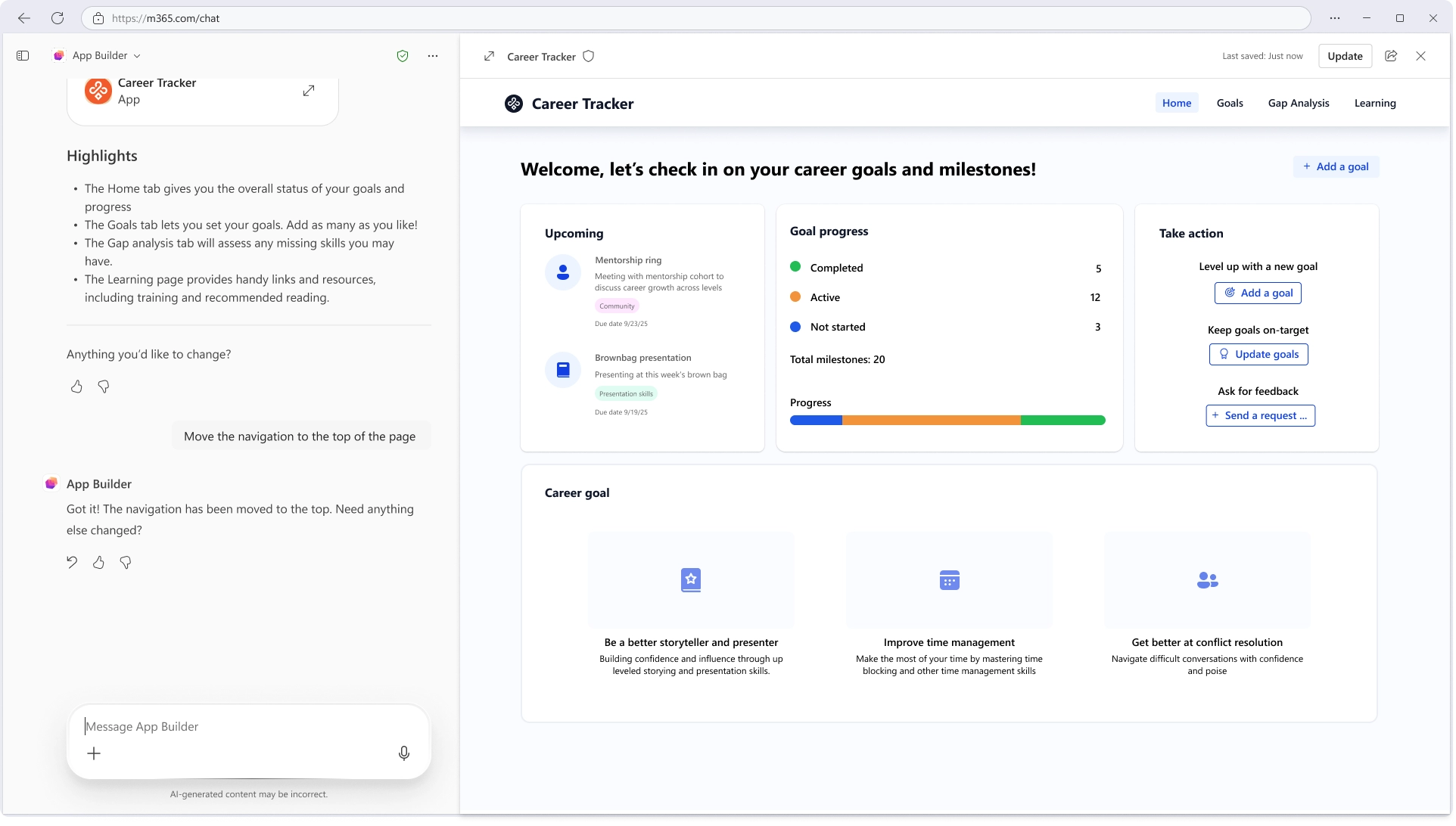
Rollout timeline:
Impact:
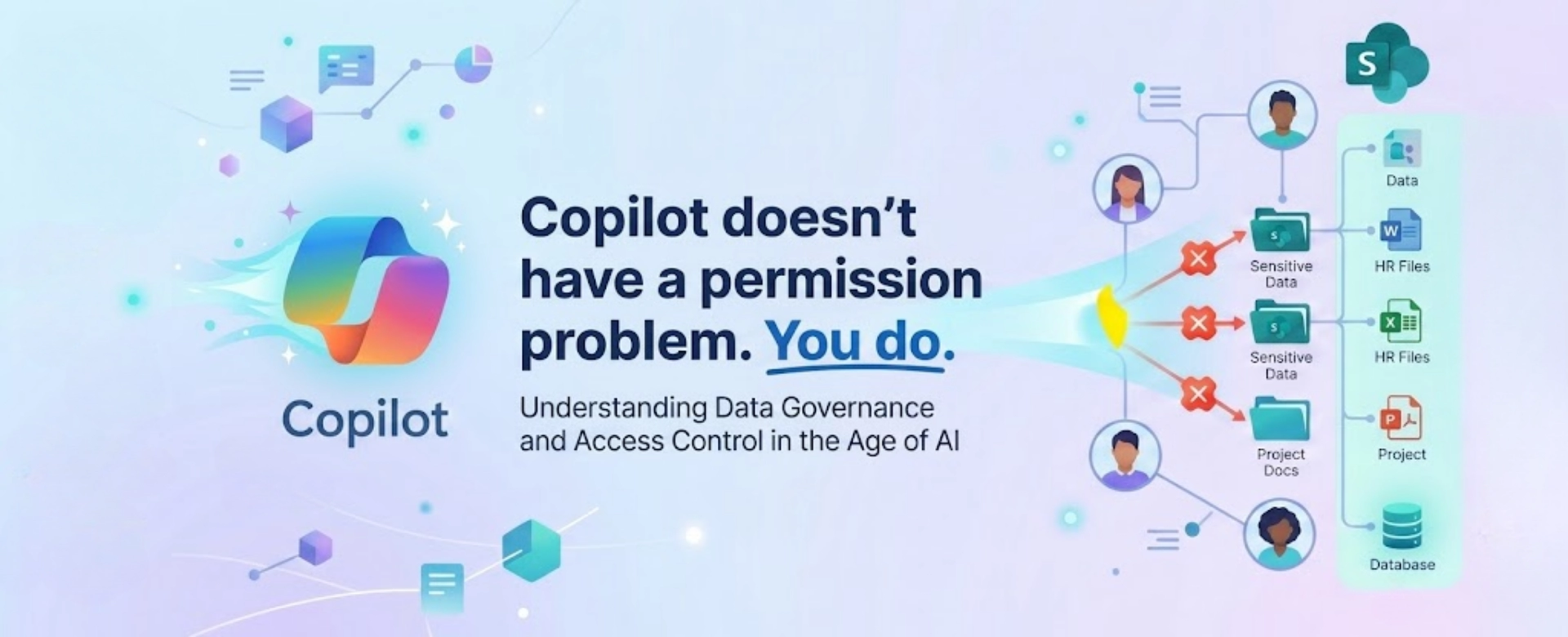
Copilot doesn’t have a permission problem - your data does. Fix access, structure, and governance to unlock real AI productivity.
Learn how to implement Microsoft 365 Copilot successfully with this step-by-step roadmap. Covers readiness assessment, phased deployment, change management, governance,...